The Audit Assistant can be found under: Navigation bar → QM → Audit Assistant
The Audit Assistant is part of the AI module of the LDB.
To use the Audit Assistant, you need:
Activate the Audit Assistant in the system settings under:
Navigation bar → Settings (gear icon) → System Configurations → AI Integration
In the Document Control section, select the AI model from the Audit Assistant AI Indexing Model dropdown.
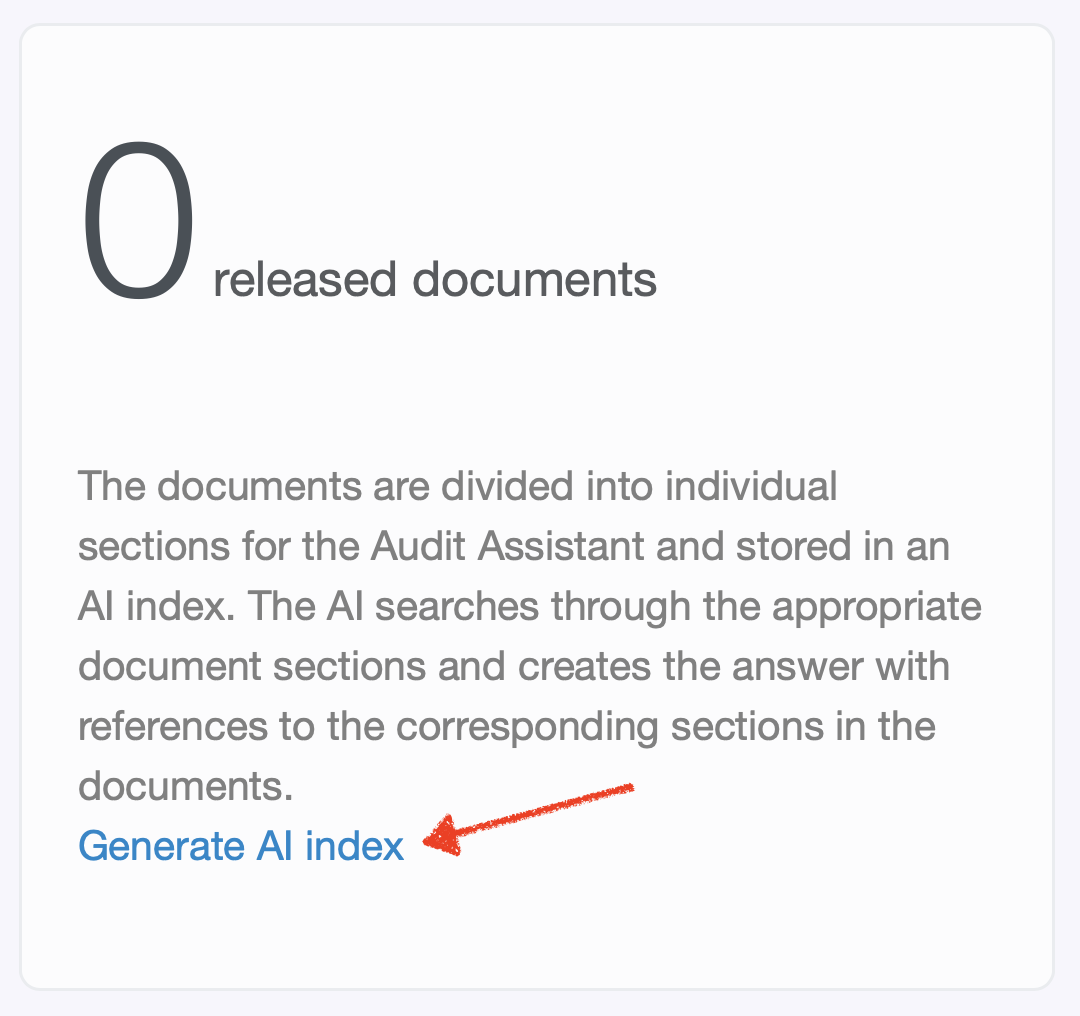
Figure: Creating the AI index for the Audit Assistant
Depending on the number of documents in Document Control, index creation may take anywhere from a few minutes to several hours. The index is subsequently updated automatically with every document change.
The index generation sessions can be found in the overview of all AI sessions — one session per indexed document — where you can also view the token consumption.
The Audit Assistant can be found under: Navigation bar → QM → Audit Assistant

Figure: Entering a question in the Audit Assistant
The answer contains:
This allows you to verify the answer together with the auditor using the original documents.
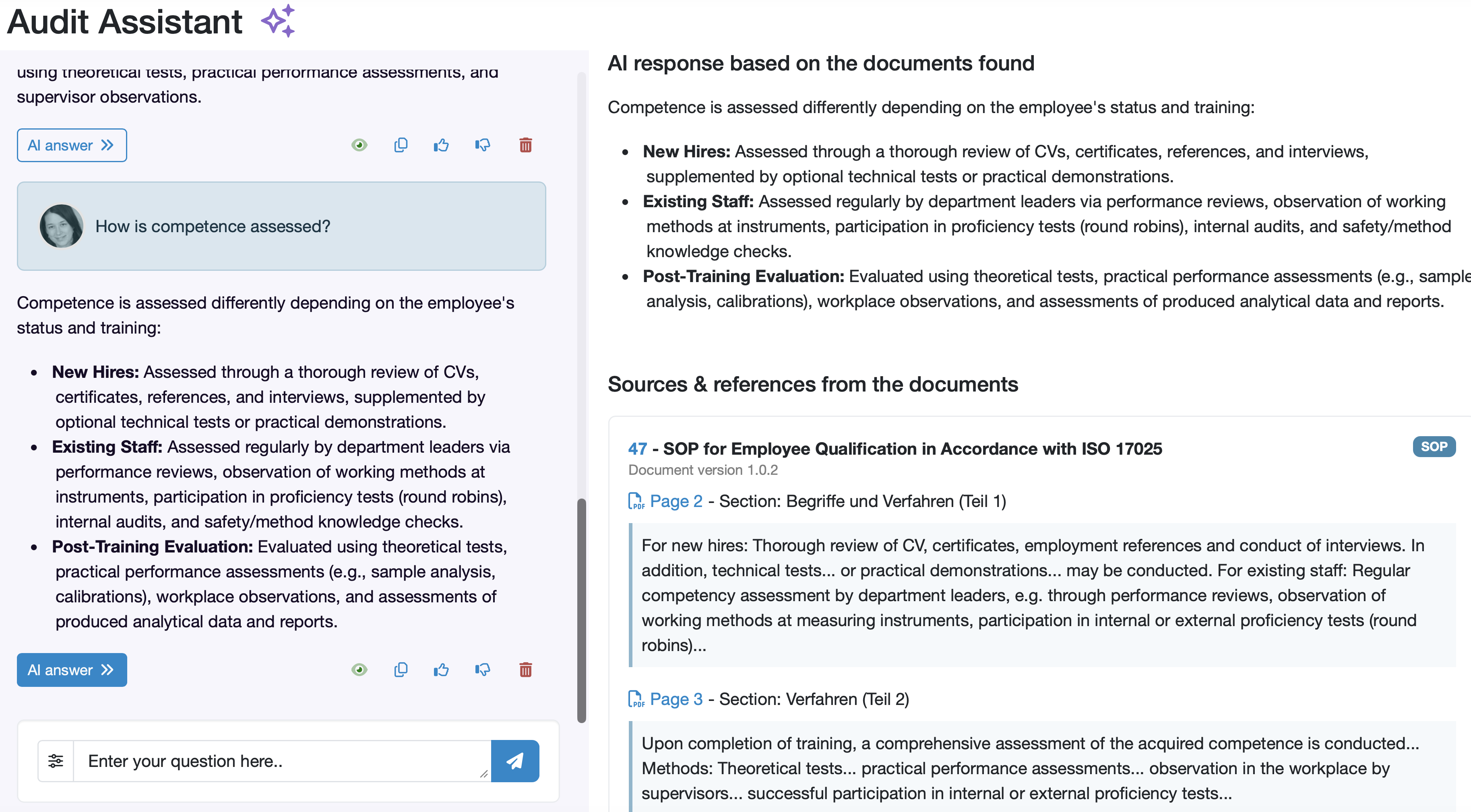
Figure: AI Answer and Source References
If the question cannot be answered based on the available documents, the system explicitly indicates that no relevant information was found. In this case, you can consider whether a corresponding document should be created or supplemented.
The Audit Assistant does not generate independent answers from general AI knowledge. All answers are derived exclusively from your internal, controlled documents in the LDB.
Related topics: AI Explorer, AI Extension for Import Interfaces, Labordatenbank AI Explorer
User call: User Call Summer Release 2026 (Audit Assistant from minute 13:00)
Last change: 10/14/26
General information
8D-report
Supplier evaluation
Material
Employees
Customers
Orders
Samples
PDF templates
Assets
Recipes
Reports
Report table editor
Interfaces
AI functions
Introductory phase
Query reports
Templates
Client zone (optional)
Offers
Invoices
Parameters
Calculating with parameters
Webservices
Transformationscode
Test plans / limit values / specifications
Documents control
Questions and answers
Equipment
Trainings
Others
File management
Processes
