Customer portal: secure login to order analyses and download results and reports

Your own customer portal helps your laboratory improve efficiency and customer satisfaction. Giving customers control and direct interaction reduces administration while improving the quality and speed of your services.

https://labordatenbank.com/qmdemo/onlineorders/
  • Direct data entry by your clients and customers
  • Real-time access to the status and progress of ordered analyses
  • Download reports and analytical results
  • Access and export raw analytical data
  • Integration into your existing website
A customer portal for your LIMS

Improve efficiency and customer satisfaction

Save time on communication:Automated, structured order entry through the customer portal means your team spends less time entering data manually and handling customer enquiries.

Faster order processing:Knowing in advance which samples will arrive and in what quantities lets you prepare the required analyses, reducing turnaround times and improving customer satisfaction.

A faster process for your customers:Being able to enter and manage their own orders makes customers feel more involved in the process, building trust and satisfaction.

Transparency and control:Customers can check the status of their orders and preliminary results at any time. This builds a transparent, trusting relationship and reduces enquiries to the laboratory.

Is LDB the right LIMS for your laboratory?

Let’s explore how we can help you digitalise your laboratory workflows.

Book a digitalisation consultation

Log in directly from your website.

Integrate the customer portal into your existing website and make it easy and appealing for customers to order analyses online. Some of our customers call the button “Laboratory entrance”; others simply call it “Login”.
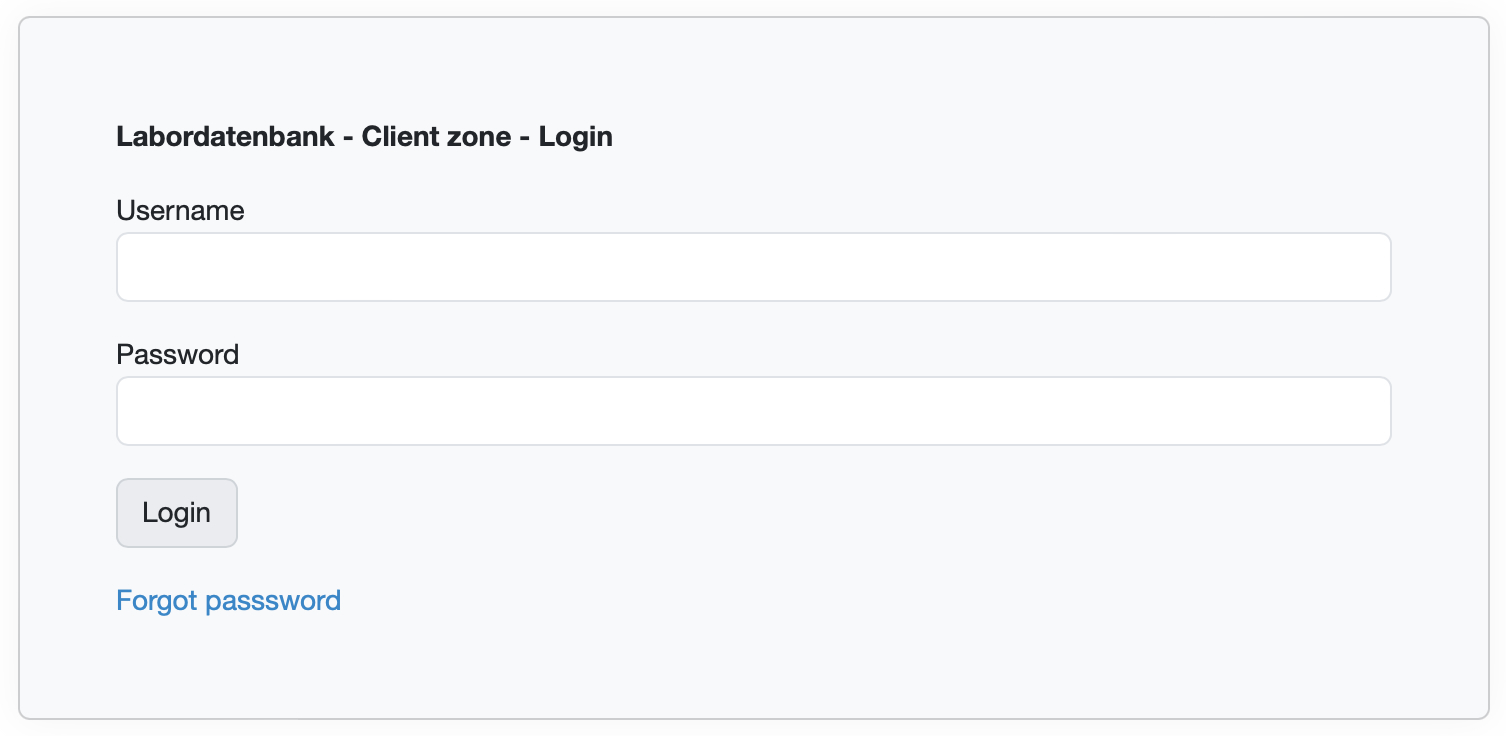
Integrate the customer portal into your website

Define the fields and analyses.

Specify which fields customers need to complete and which analyses from your service catalogue they can order online.

Display prices for ordered analyses.

Provide your customers with prices and other information, such as the amount of sample material required or expected turnaround times.

Keep control of orders and samples.

Review the information entered by the customer. Requested analyses only become orders and samples when you process them at laboratory receipt, so you retain control over sample numbers and the data you accept.

Miriam Weyden, LIMS project manager at Labordatenbank
“Our R&D customers often use the customer portal to provide simple ordering forms for clients in internal departments and to make larger volumes of raw data available.”

Onboarding workshop: customer portal

Online customer portal: digital analysis orders and reports for laboratory customers

  1. Online sample registration directly through thecustomer portal
  2. Track the status of samples and analyses
  3. Retrieve test reports, raw data and files
  4. Laboratory workflow: select packages containing multiple parameters and use results tables for a clear overview
  5. Monitoring and trending using data analyses
  6. Settings and administration tools

Frequently asked questions about the customer portal

No. Shared email addresses, such as office@company.com, can also be used by several people. Only a valid email address is required. Whether the address is shared or individual, we always recommend secure sign-in with MFA.
No. Data isolation is ensured. Customers only see their own orders, samples and released results, never other customers’ data.
No. The customer portal can be used free of charge. Neither a customer licence nor an employee licence is required.
Yes. Internal departments can also use the customer portal. For example, your development department can use it to request tests from your laboratory.
Yes. All orders and samples submitted through the customer portal initially arrive as analysis requests with an open status. A laboratory employee must approve them before they are created as orders or samples, ensuring consistent sample numbering.
After signing in, customers see released results and test reports in a clear list. Results and reports only appear once the test report has been released and signed.
Yes. Signed preliminary reports are displayed.
Not by default. To provide results without a report, create a customer-specific data analysis and display it in that customer’s portal.
Yes. Labordatenbank support can create customised tables with the columns you need.
Yes. Data analyses can be shared with specific customers and made available as tables, charts or file downloads. Dashboards can be individually designed and populated with customer-specific data.

LDB features

Laboratory Information Management System (LIMS)

Our customers

Certified to

LDB LIMS is ISO 27001-certified laboratory software

Preferred LIMS partner

VUP - Verband unabhängiger Prüflabore