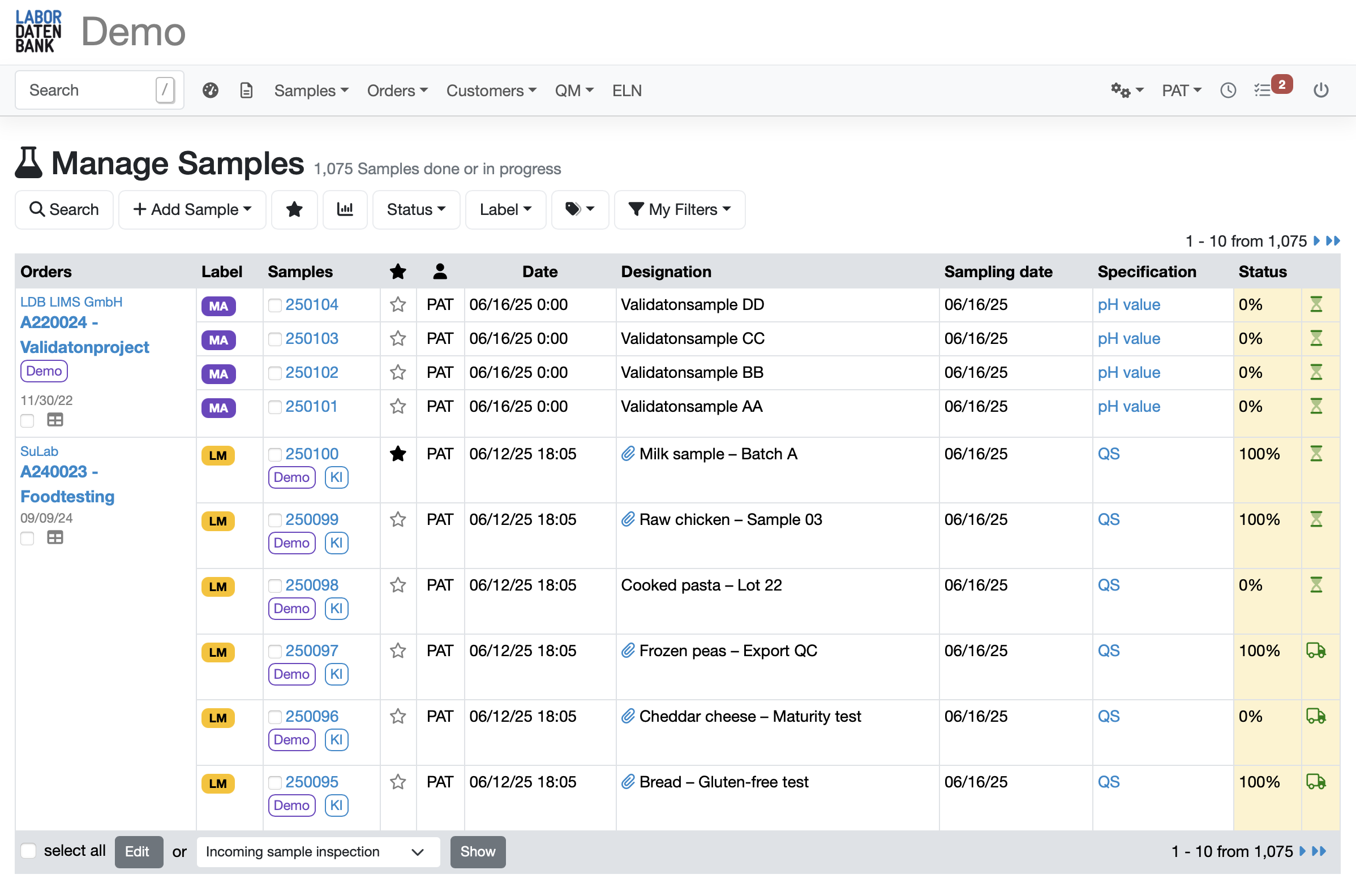




across 6 industries
in 12 countries in Europe and the USA
with Europe’s leading laboratories
with pre-filled parameters and sample information
for quick, easy selection of complex analyses covering multiple parameters and measurements
Add further analyses and information to any sample as needed
that reflect the specific tasks and requirements of each analysis
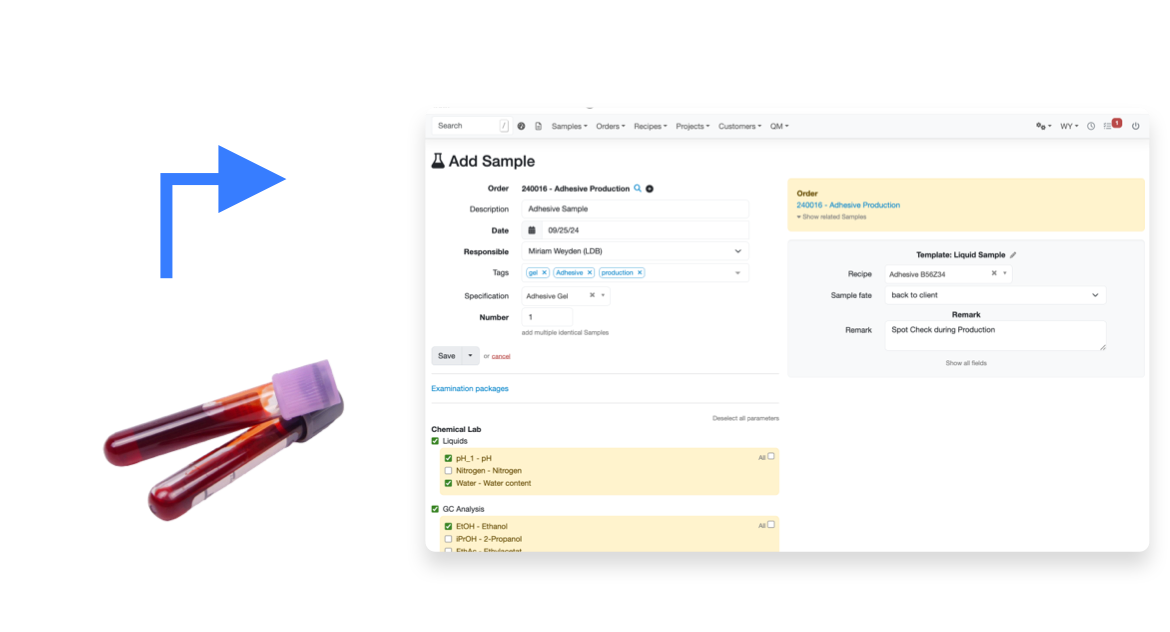
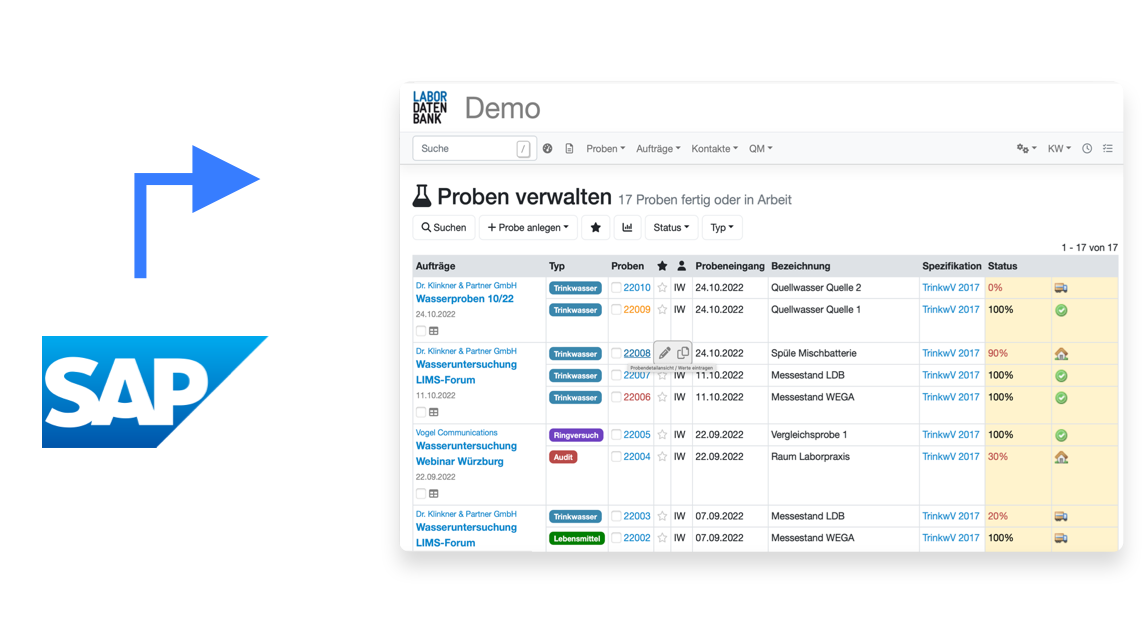

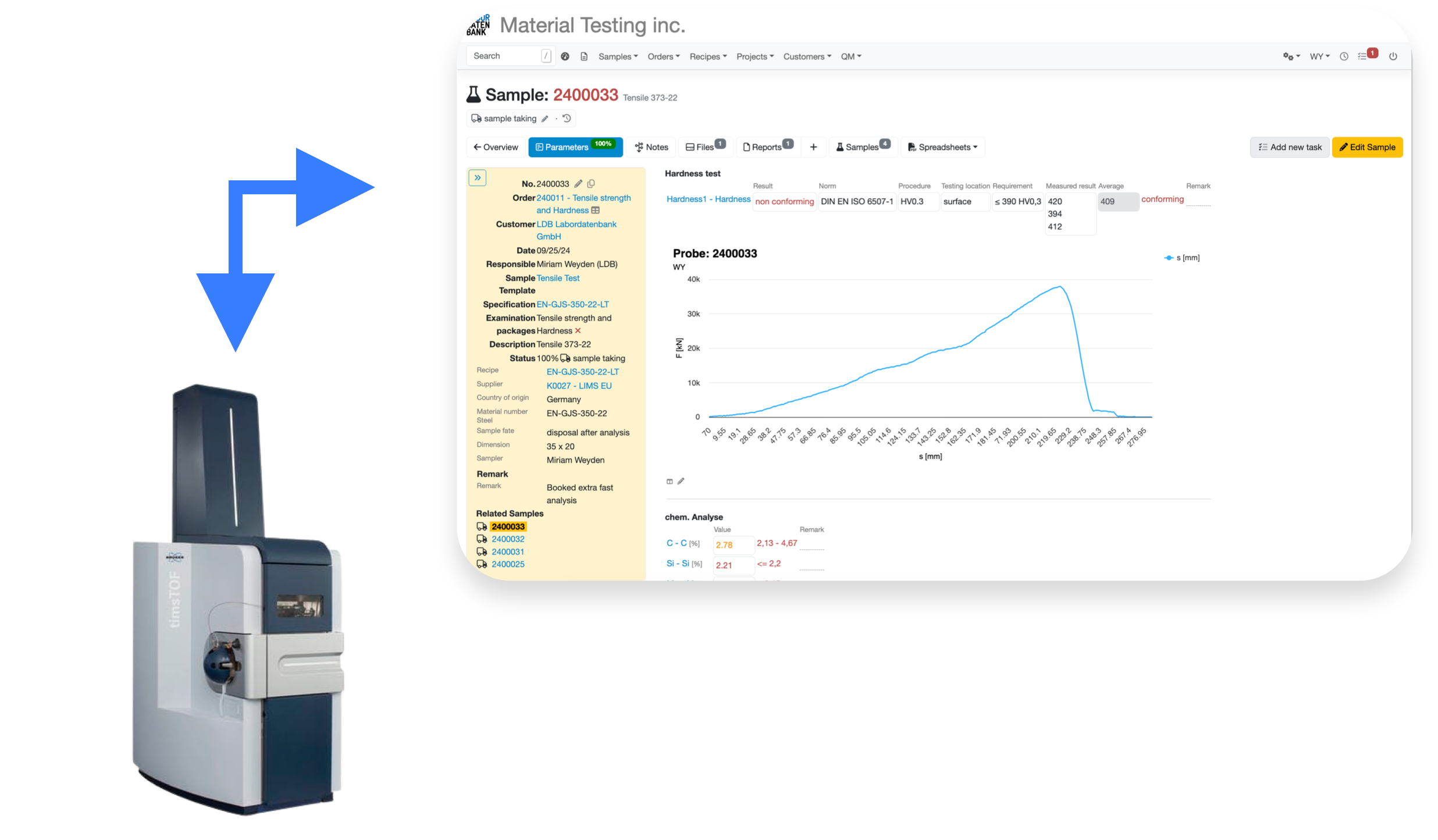
through flexible, fully customisable APIs that connect to all your network-enabled instruments
for import into your analytical instruments without manual data entry
to support manual data collection for processes that cannot be digitalised
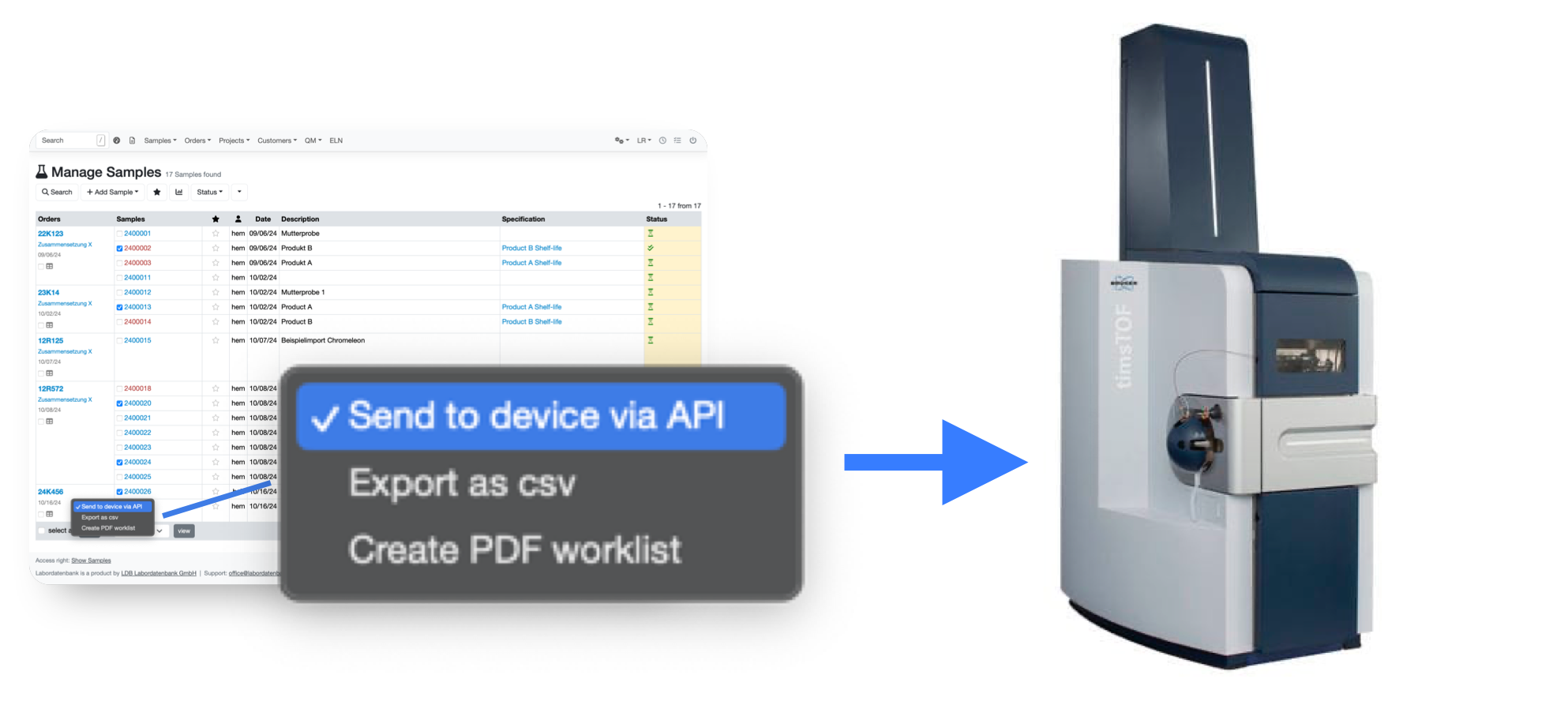
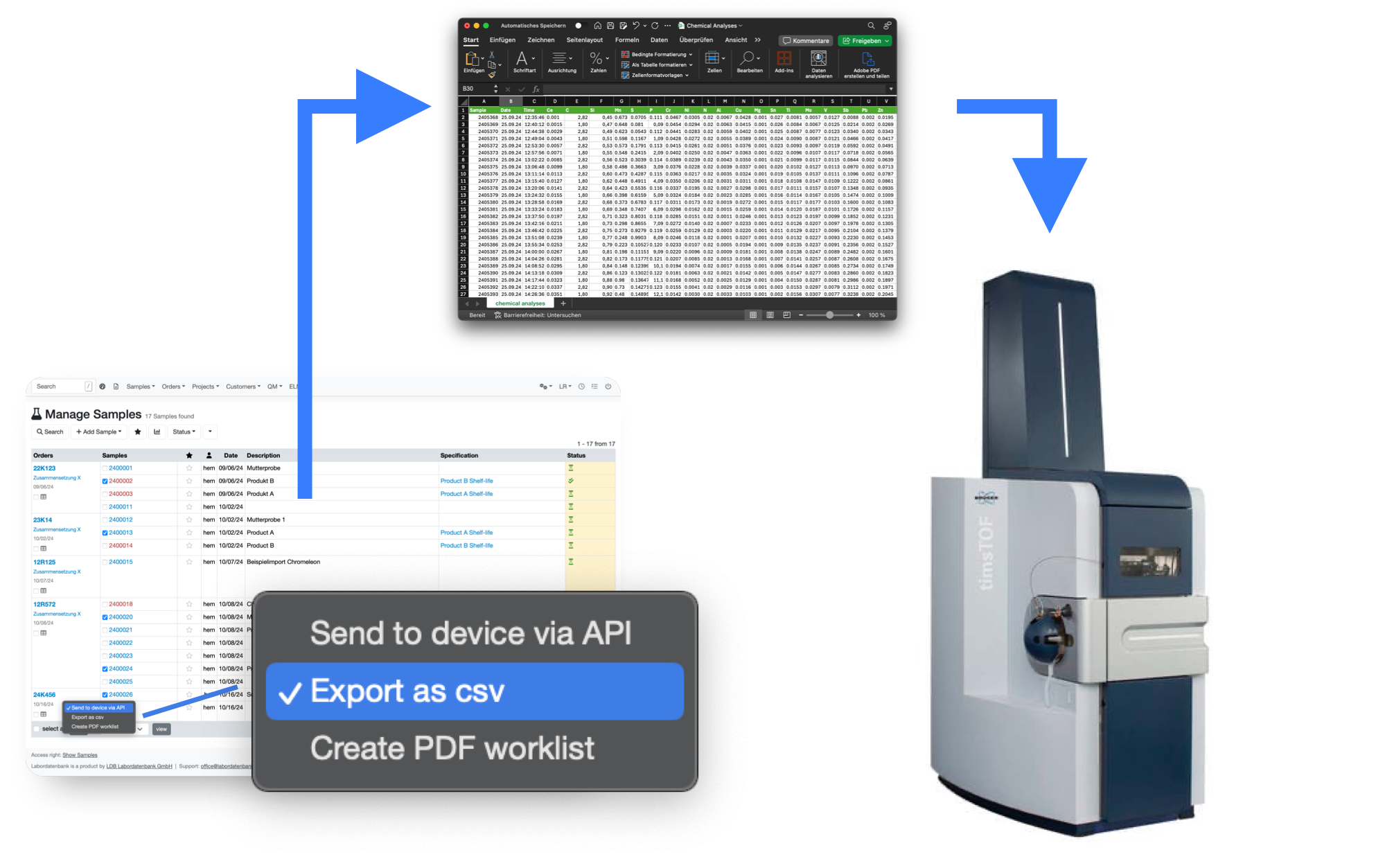
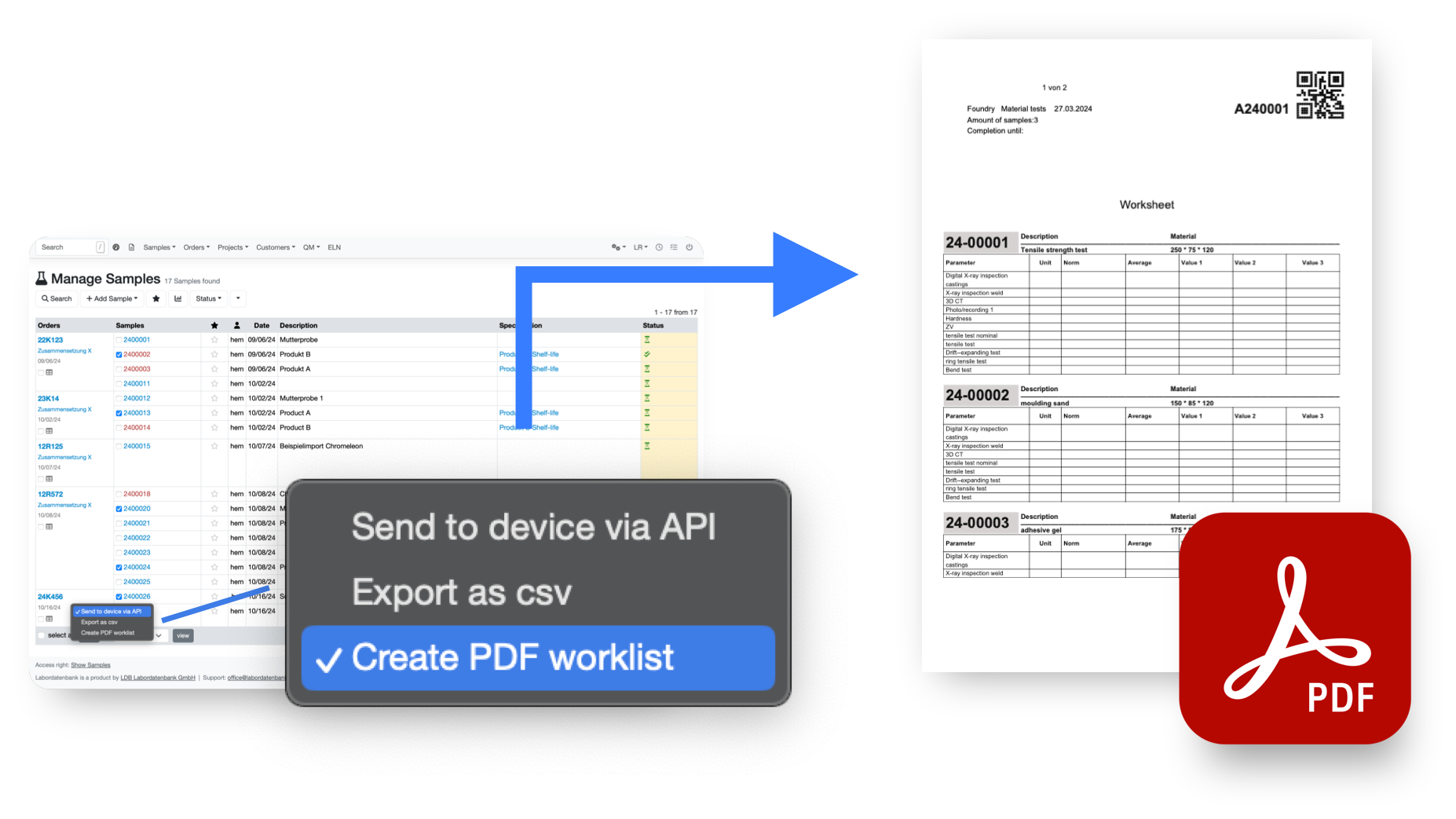
Once the API has been validated, all results are automatically considered validated in accordance with GxP standards.
Exchange data via FTP, HTTP or even email at the click of a button
Data can be pushed from the instrument or retrieved by LDB, depending on your needs
Secure transfers using login credentials, token authentication or P12 certificates.
Sample numbers are assigned to your individual requirements in accordance with accreditation specifications
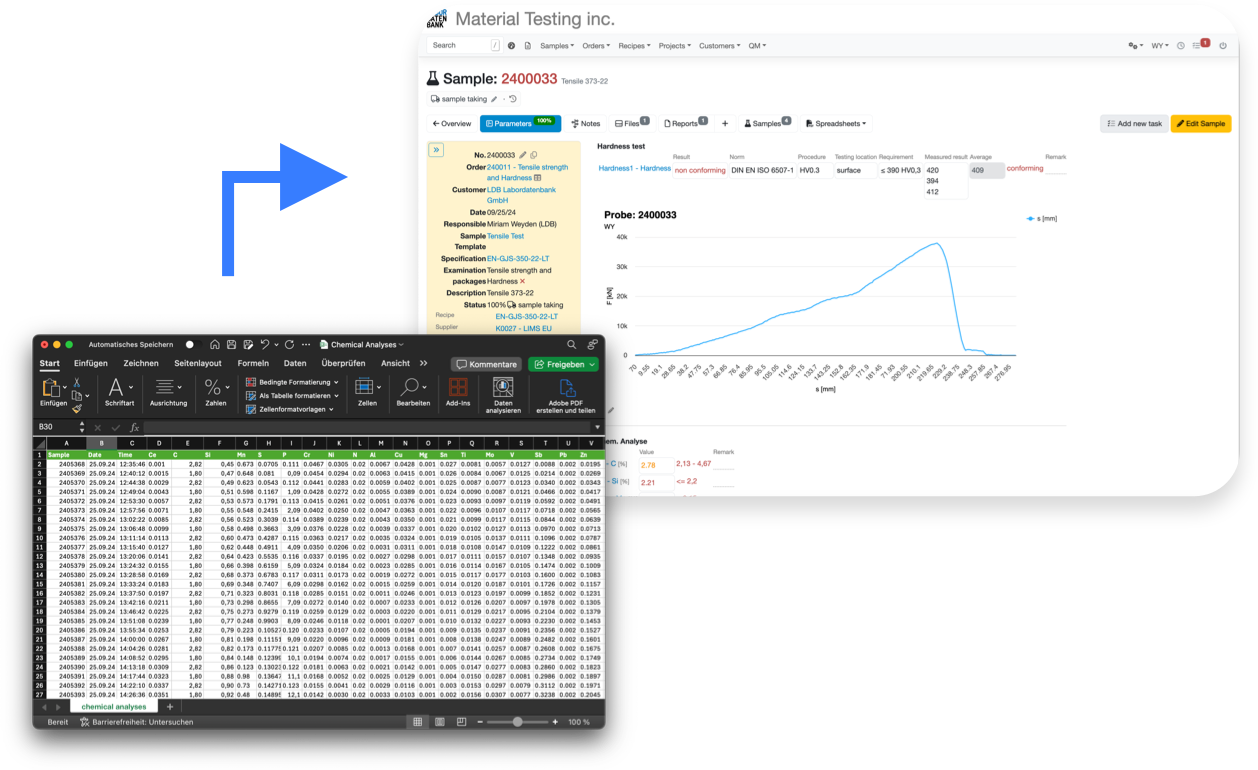
Import CSV, JSON, TXT, HL7, XML, FHIR, GDT, Chromeleon, AnIML, SHAPTH and many other formats. If it is text-based data, LDB can handle it.
Structure your data however you need; LDB can process it
If your instrument produces data in an unsuitable structure, you can transform it as required using JavaScript
Use any PC, tablet or phone directly where the analysis takes place
Data are validated as you enter them and only need to be entered once, drastically reducing input errors.
Save time by entering repeated information such as batch numbers for all relevant samples at once.
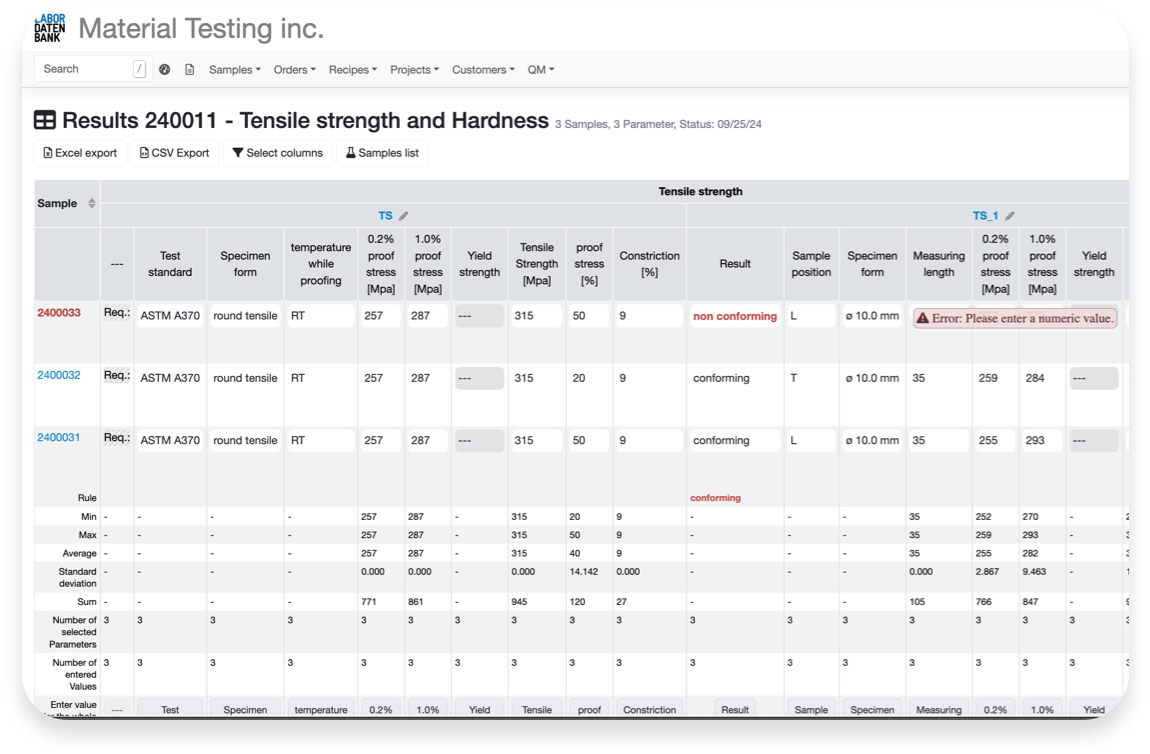
Restrict visibility and functions by staff group
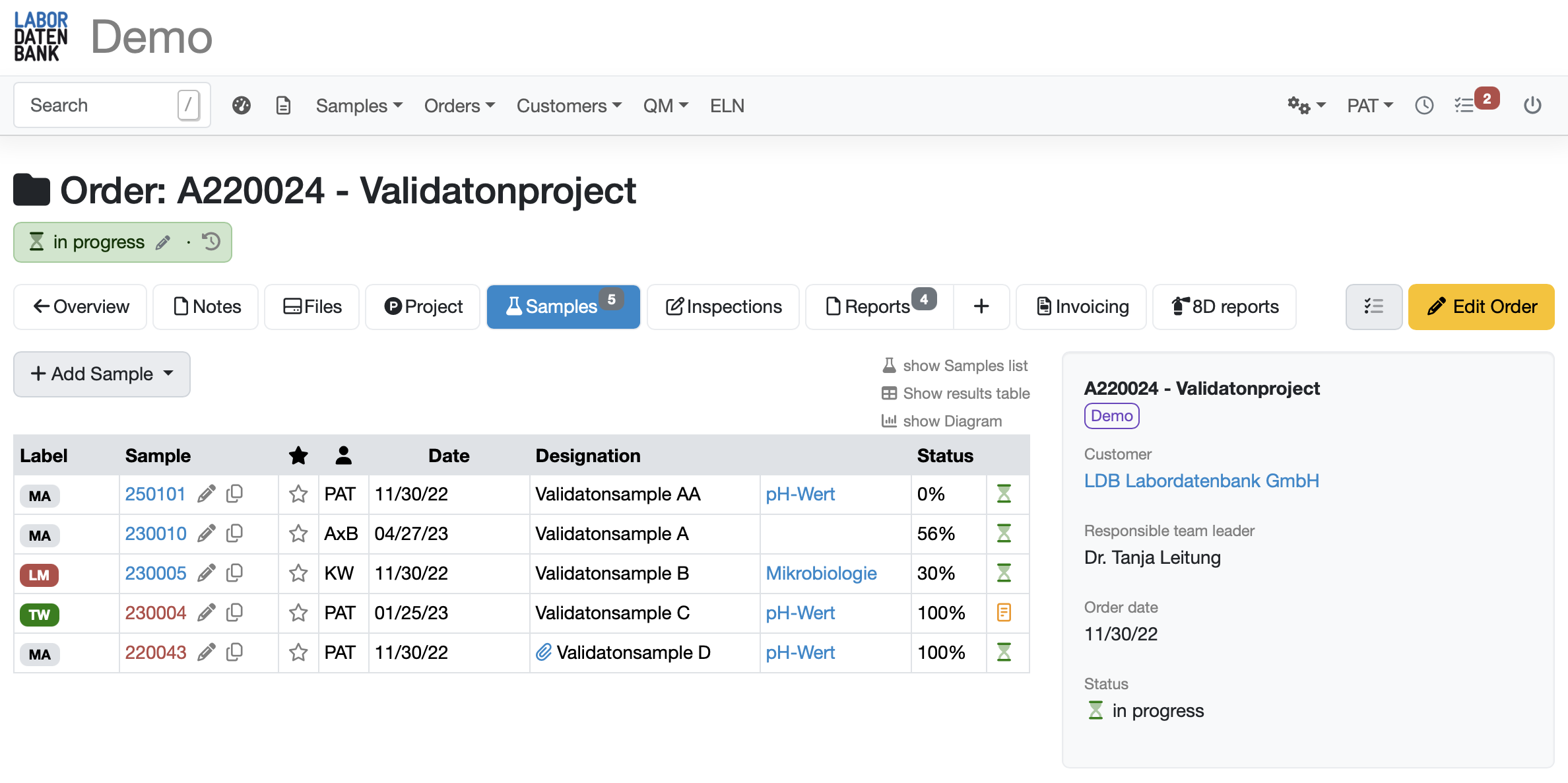
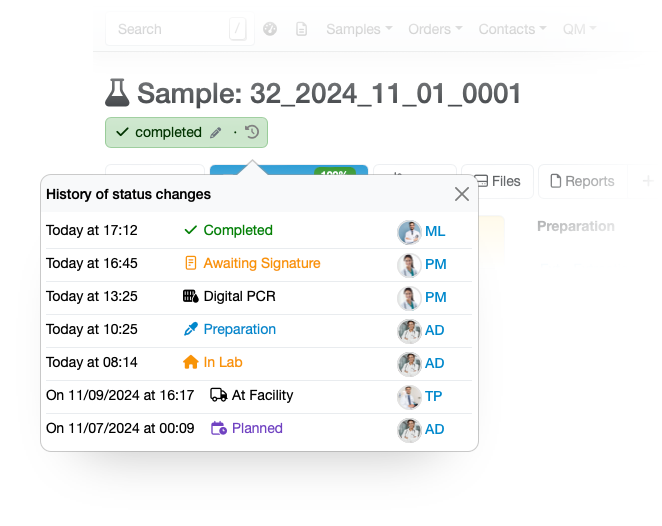
A controlled process with approvals and status tracking
Different specifications with a documented approval process
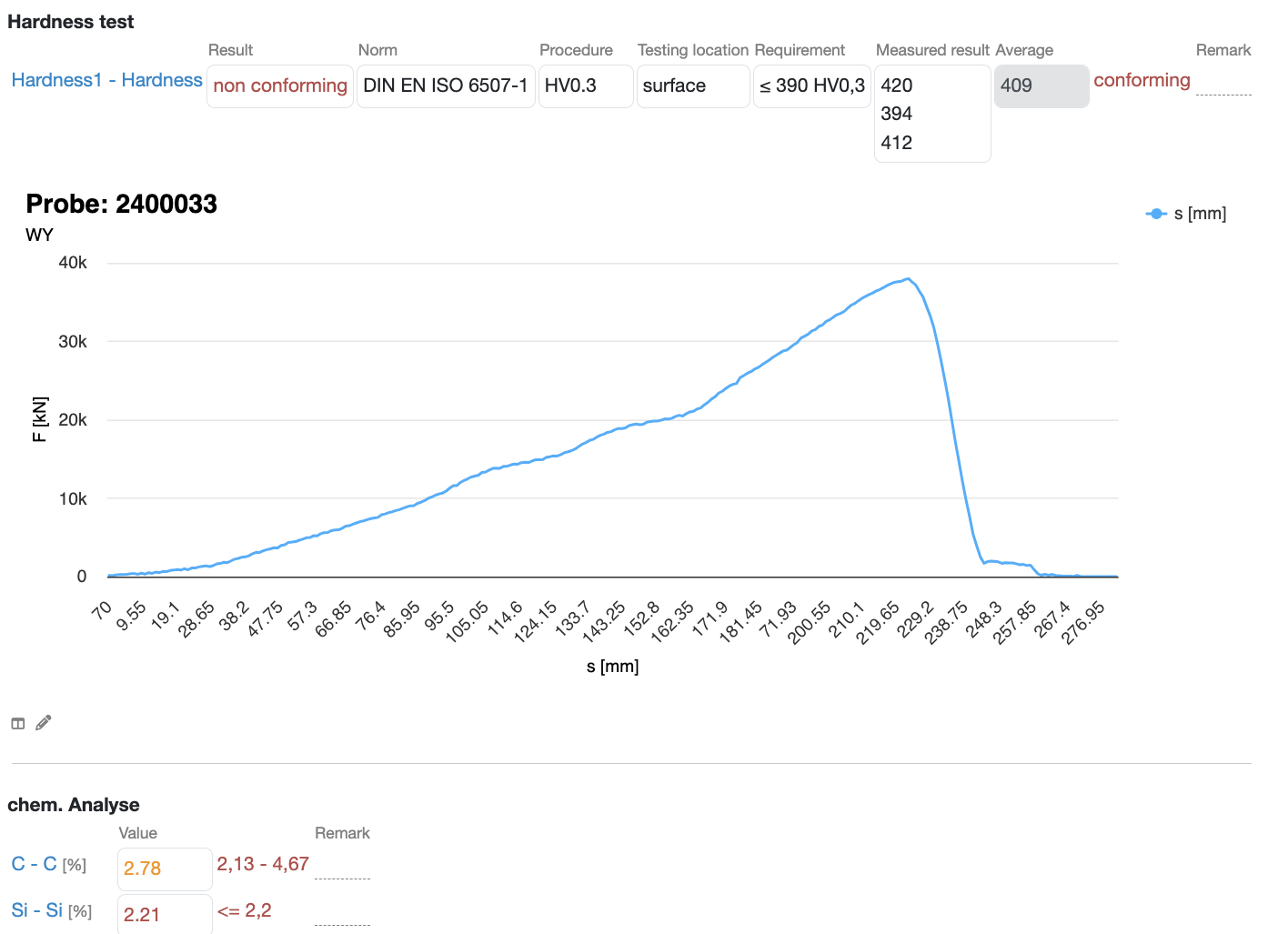
Link test results to appropriate text modules to generate comprehensive reports for every sample automatically, without writing a single word.
Create report templates containing all your data, images, charts and visualisations, and customise their design with our no-code editor.
Everyone involved in the process can be listed in the report automatically.
Test reports are signed in accordance with ETSI EN 319 142, can be validated online and are legally binding.
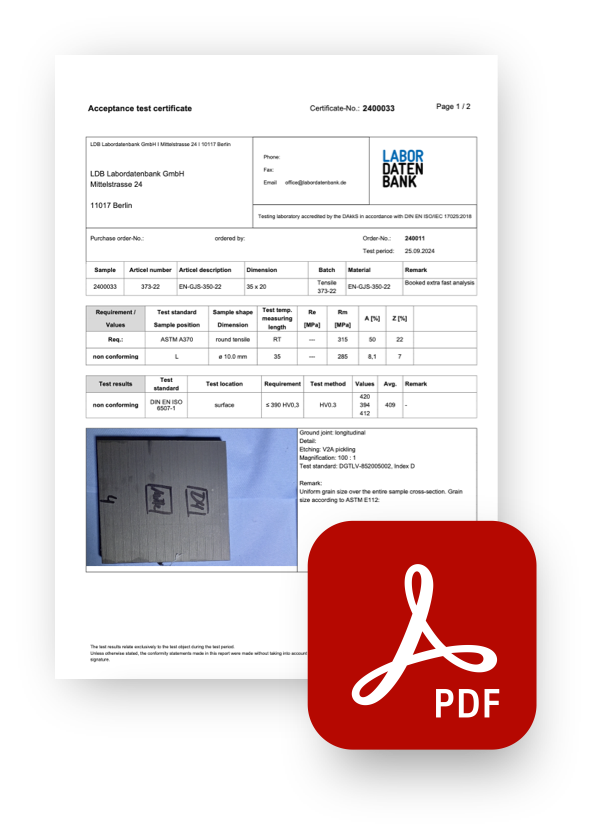
based on the parameters analysed for each sample
can be configured for each parameter
fully automatically or at the click of a button
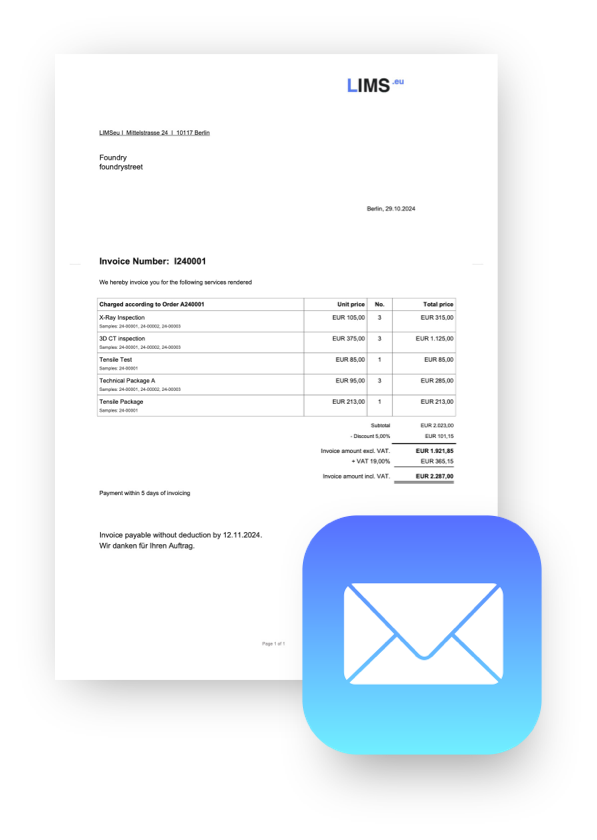
for seamless integration with accounting and ERP systems
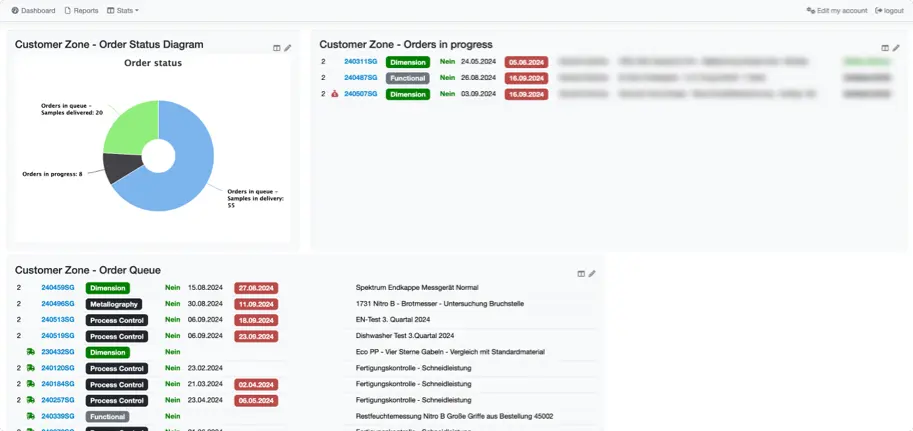
Give each customer a private, secure web interface protected by a password and multi-factor authentication.
Includes an ordering interface with customer-specific sample templates, eliminating the need to register samples manually on your side.
Customers can place new orders at the click of a button, track sample progress and access their results securely.
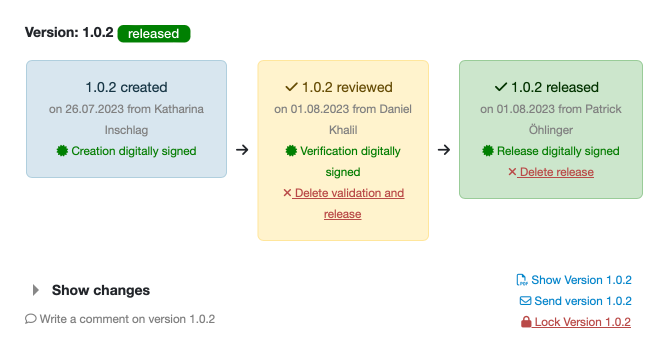
in the currently approved version, both during data entry and in reports
with author, reviewer and approver, including digital signatures
with automatic notifications to reviewers and approvers when changes are made
with automatic assignment of the qualification
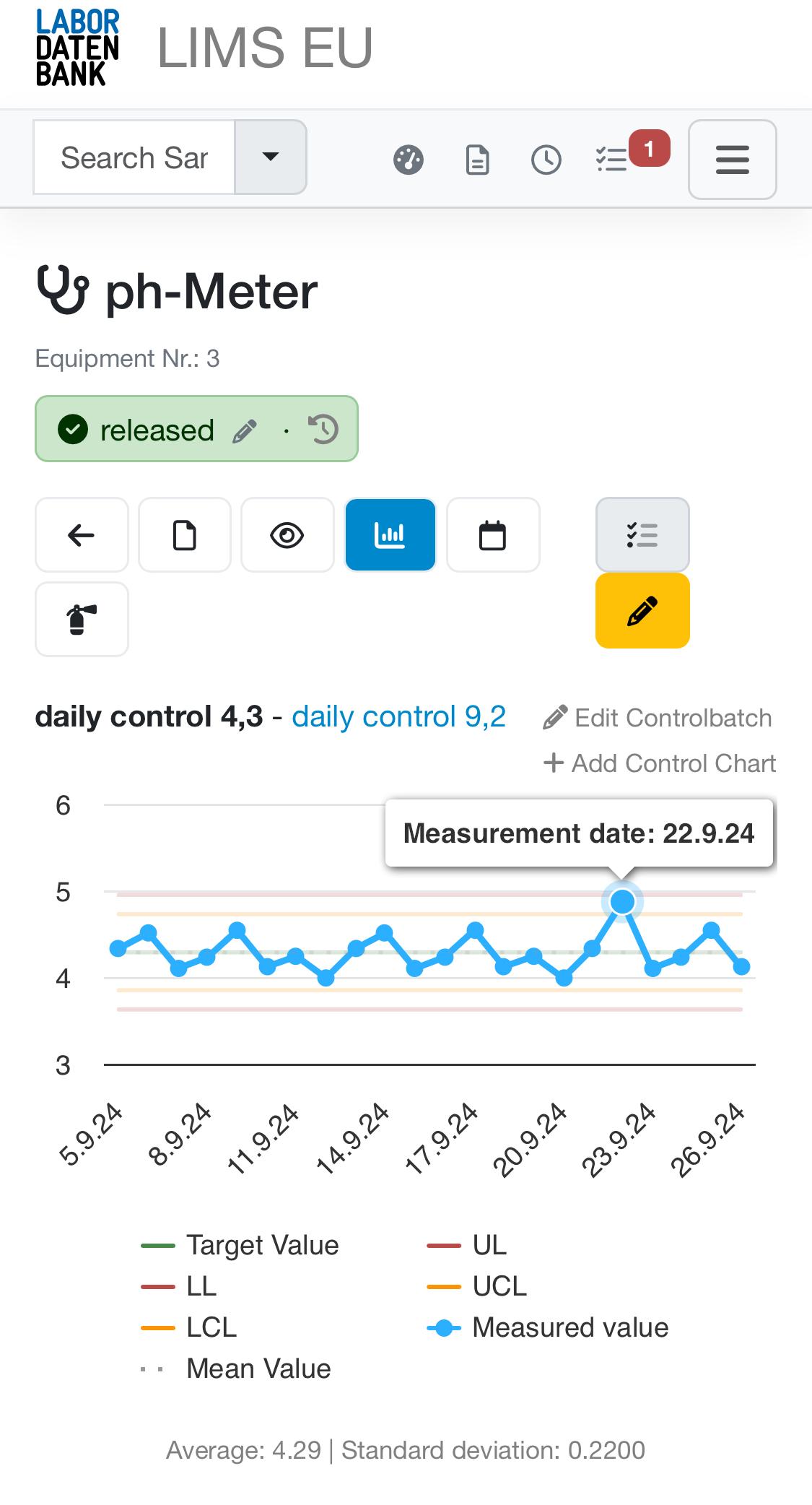
Equipment status is documented with the sample and in the report.
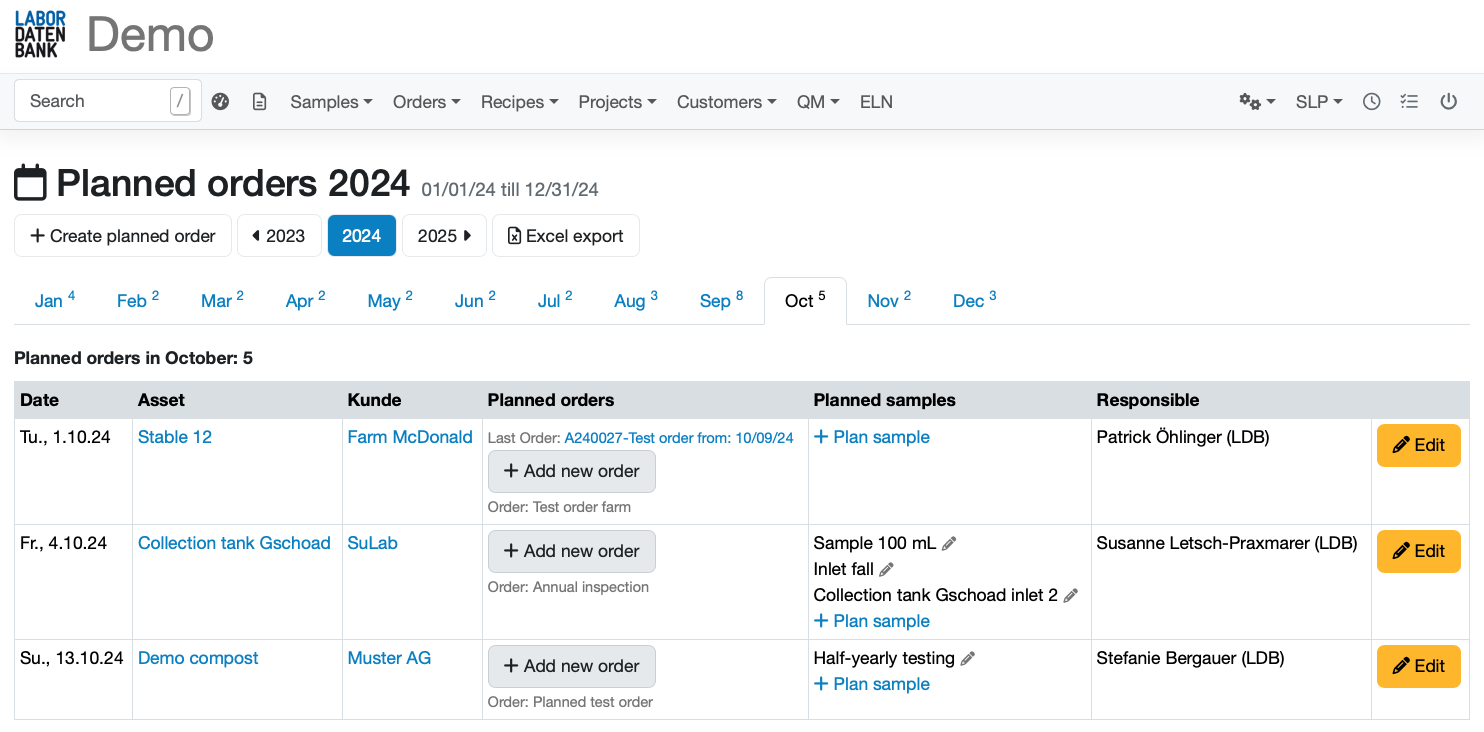
for upcoming tasks such as calibration and verification
Certificates, maintenance records and more
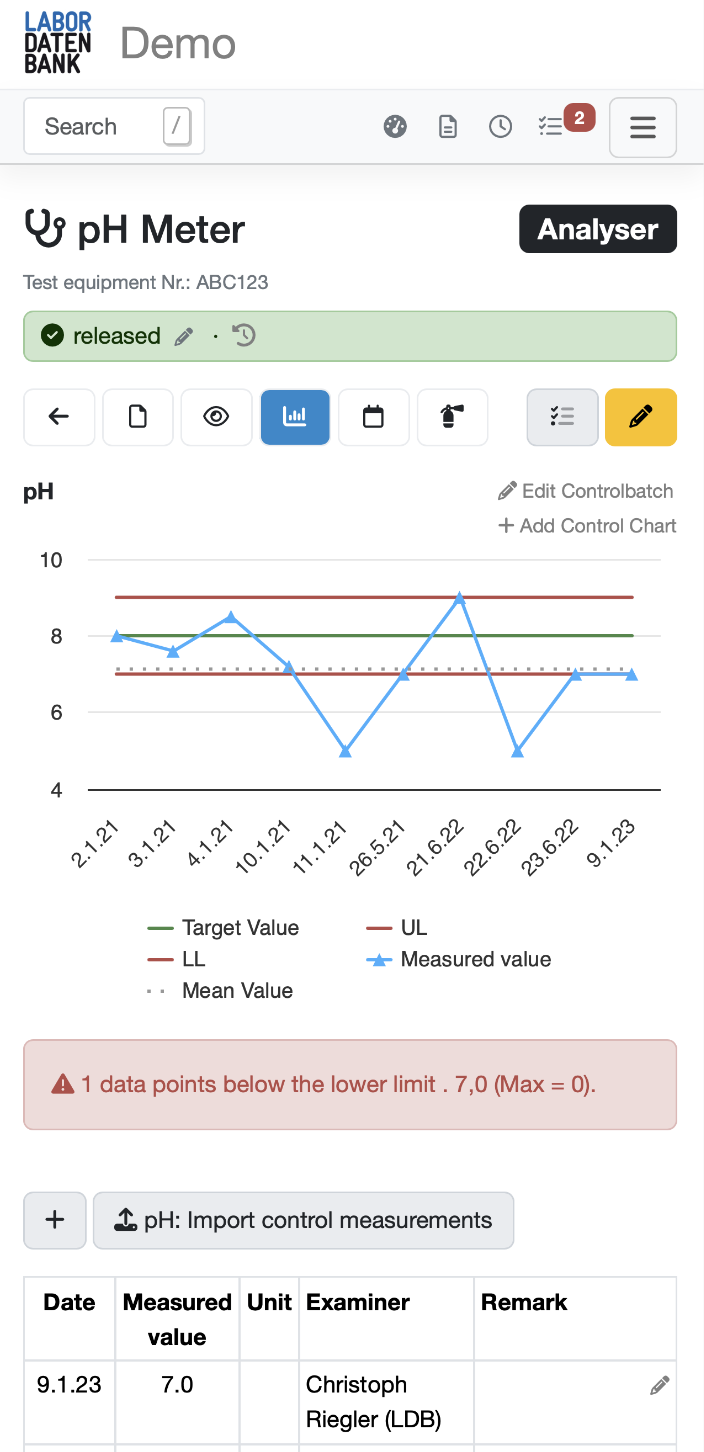
Fixed or dynamic limits (Shewhart) with notifications when results deviate from the norm
Complete traceability of which batch was used for each sample
Guided review and approval process
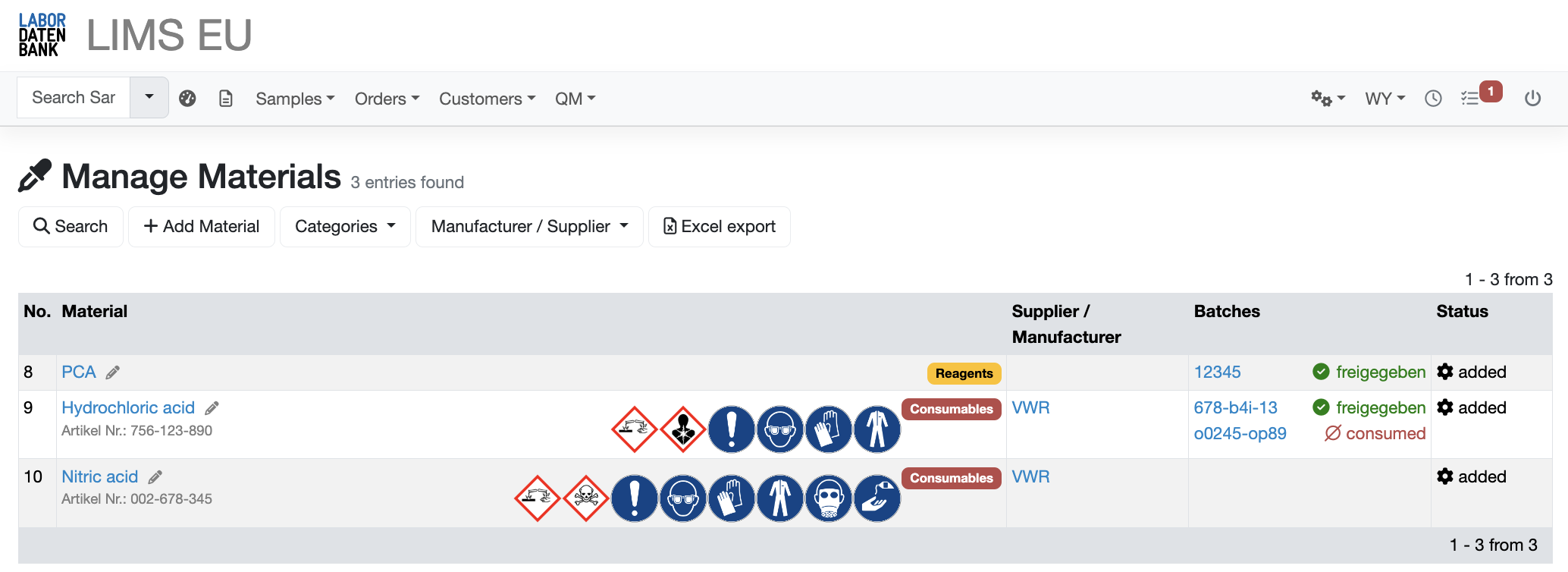
Comprehensive information about the materials used is accessible at any time.
Clearly organised data with automatic stock updates as materials are consumed
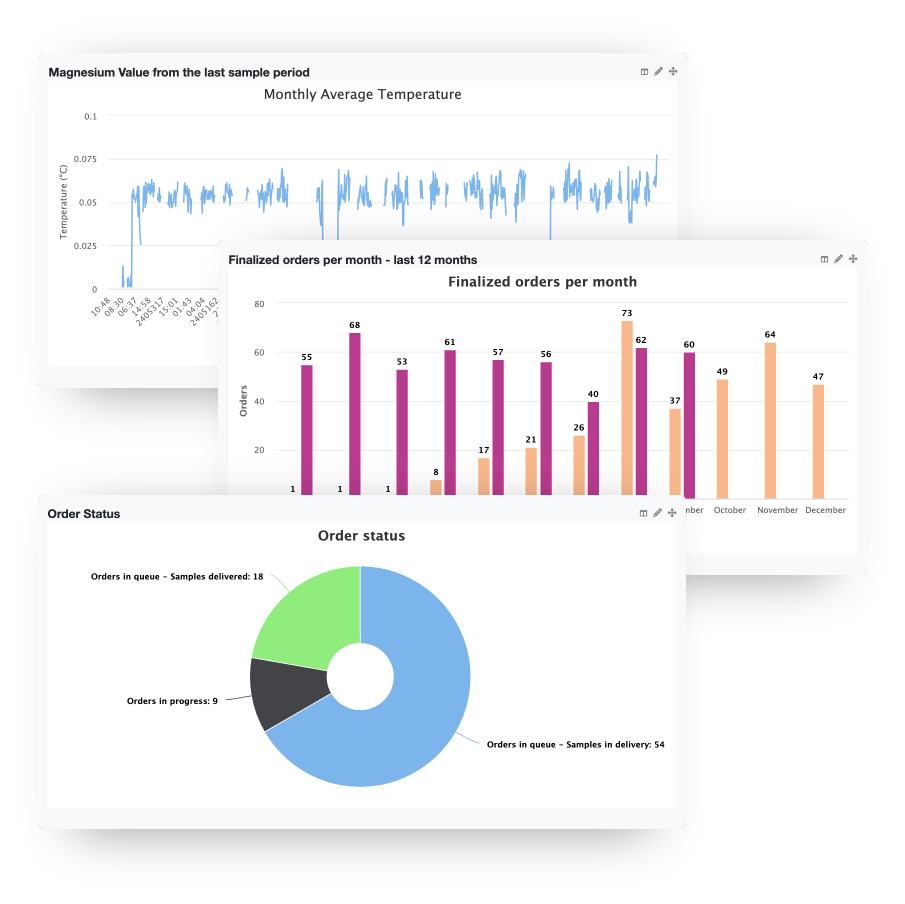
Manage your laboratory efficiently with attractive, comprehensive dashboards that give you an overview of every relevant laboratory metric
Analyse all the data generated in your laboratory and make them useful and easy to understand with powerful charts and visualisations.
Create custom views and widgets tailored to individual users or user groups, and restrict access using our comprehensive permissions system.