You can find the management of examination packages under:
Navigation bar → Settings → Manage examination packages.
The figure shows what the page for managing examination packages looks like. The functions are described below.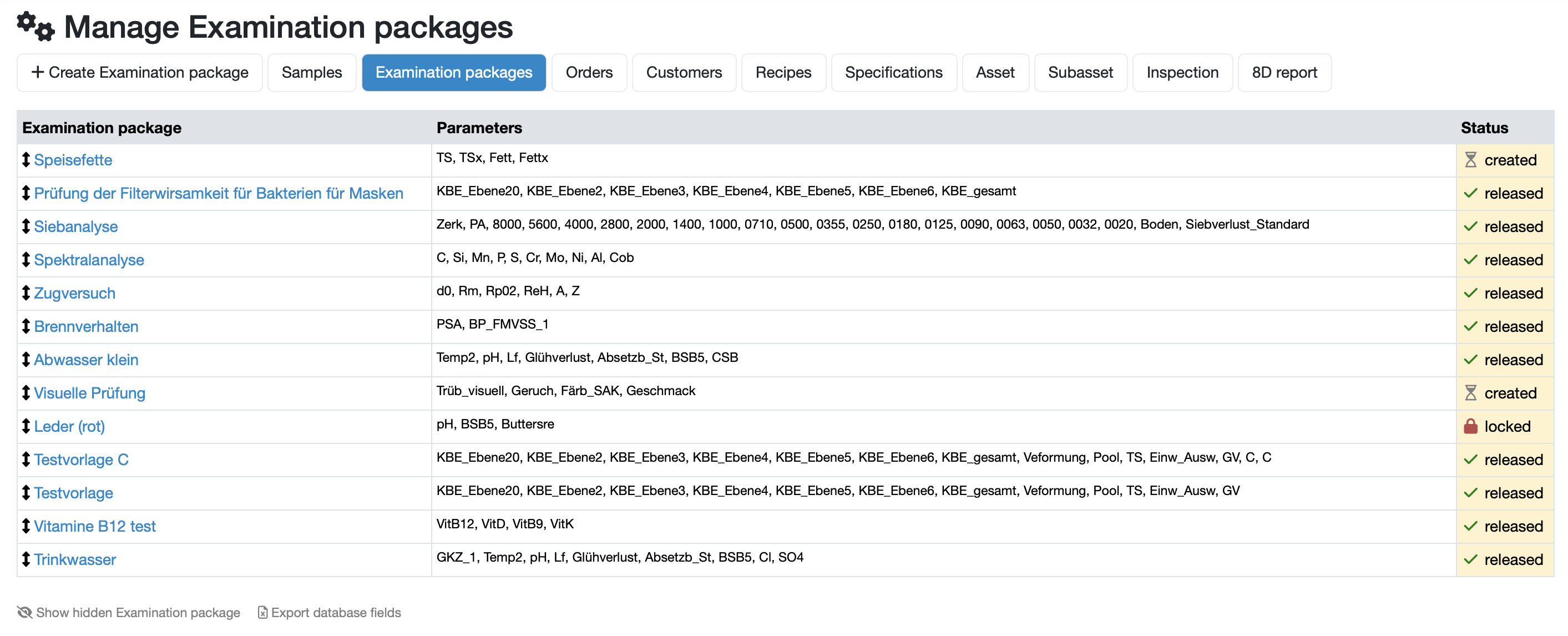
Shows the name of the respective package. The name is displayed in blue font as a clickable link. Clicking on the name gives you direct access to the configuration of the package.
Shows the abbreviations of the parameters selected for the respective package.
Shows the current status of the examination package.
Related topics: Create/Edit examination packages
Last change: 10/14/26
General information
8D-report
Supplier evaluation
Material
Employees
Customers
Orders
Samples
PDF templates
Assets
Recipes
Reports
Report table editor
Interfaces
AI functions
Introductory phase
Query reports
Templates
Client zone (optional)
Offers
Invoices
Parameters
Calculating with parameters
Webservices
Transformationscode
Test plans / limit values / specifications
Documents control
Questions and answers
Equipment
Trainings
Others
File management
Processes