Go to the SHAPTH homepage (https://shapth.info/) and select “Start now” in the main menu bar.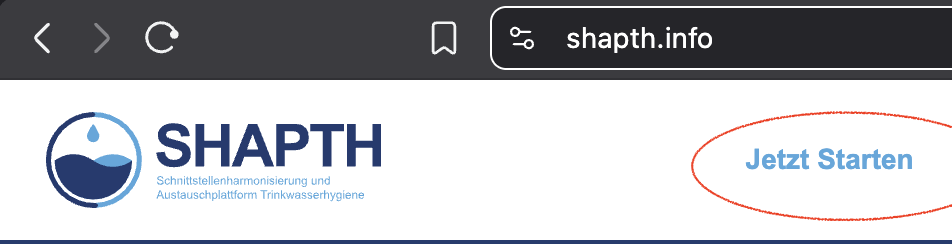
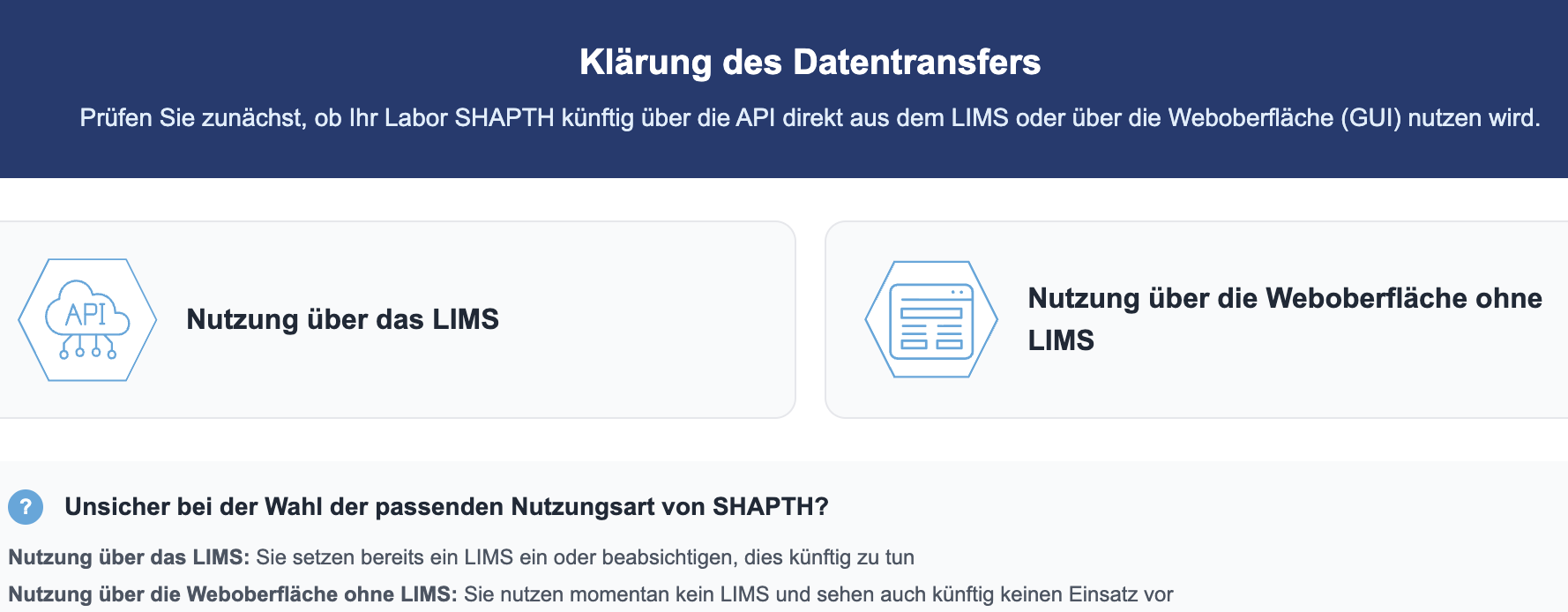
Follow the guidelines that apply to you. As a laboratory, click on the “Laboratory” button and then on “Use via LIMS”.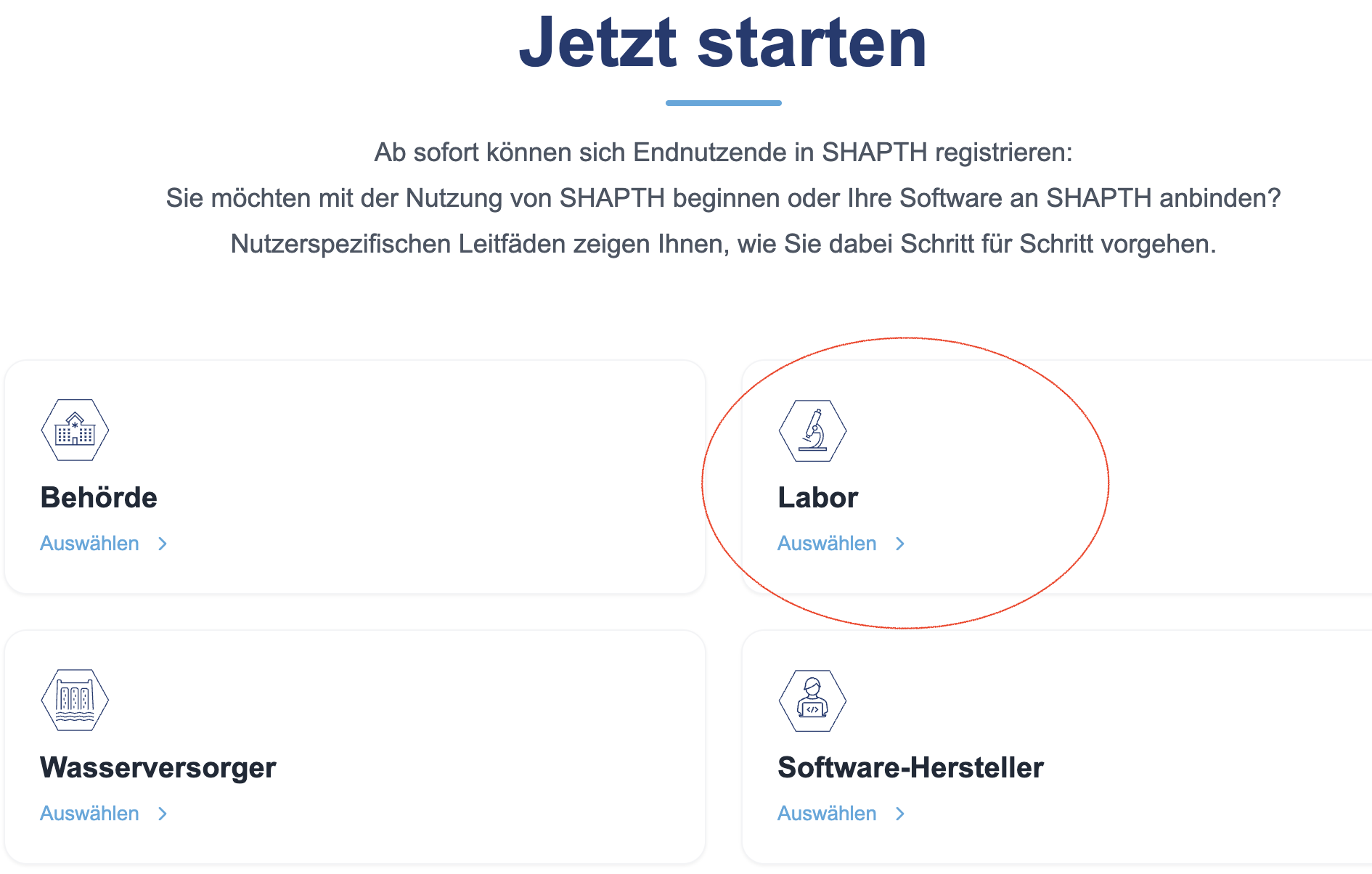
The guide contains detailed instructions on how to proceed in order to gain access to your SHAPTH environment.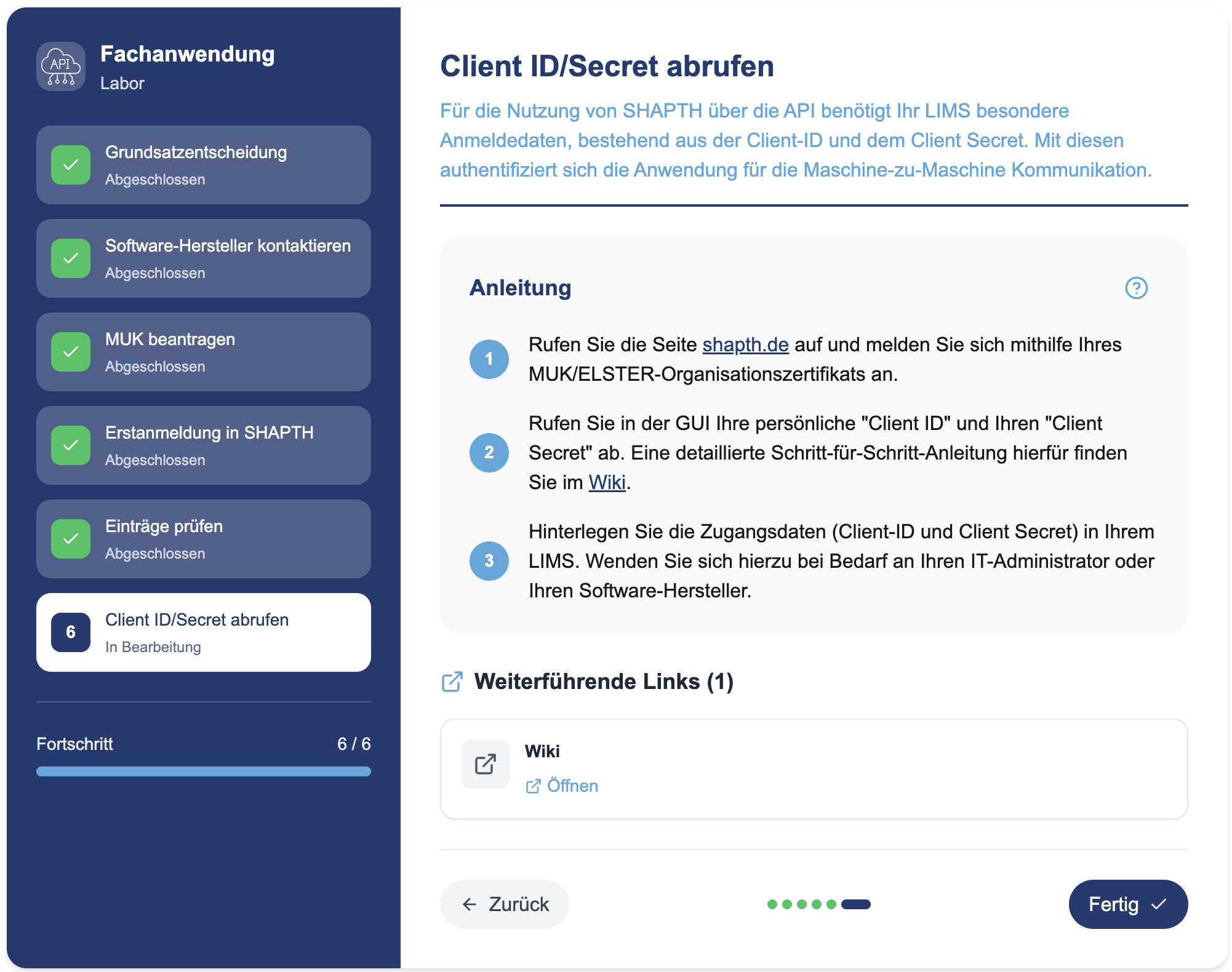
You can create test reports manually in your SHAPTH environment. We recommend that you log in to your SHAPTH environment in advance and try out the report creation process for yourself. This will give you a feel for the information that will be required to be submitted to SHAPTH in future. For assistance, there are training videos on the SHAPTH.info interface that deal with the creation of test reports, among other things.
These instructions apply under the following assumptions:
Create yourself as a customer in your laboratory database and enter the following:
Also create your external laboratories as customers in order to record their SHAPTH_IDs.
| Field name | Value / Note | Example |
|---|---|---|
| SHAPTH_ID | Assigned by SHAPTH | BT1234567890123456 |
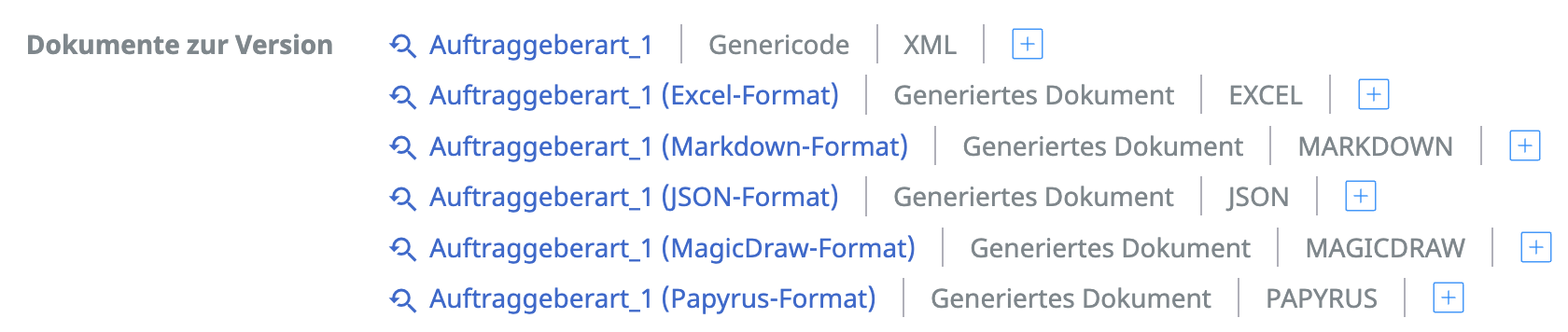
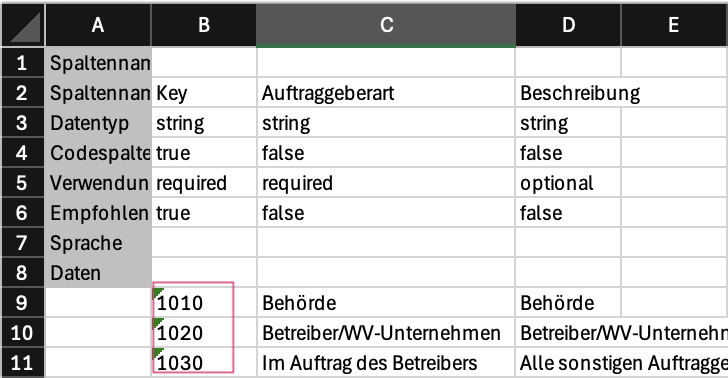
| Client type | https://www.xrepository.de/details/urn:xoev-de:xwasser:codeliste:auftraggeberart | 1010 |
| Federal state | DE + two-letter code Please enter the two-letter code. | DEBE |
| For laboratories that are registered as customers | ||
| Test areasInvestigationsPhysChem | 1/0 | 1 |
| Test areasInvestigationsMicrobio | 1/0 | 0 |
| TestAreasInvestigationsRadionuclides | 1/0 | 0 |
| CommissionedInvestigationCentreAccreditationNumber | datatypeC | D-PL-00000-01-00 |
| Field name | Value range / Note | Example |
|---|---|---|
| SHAPTH_ID | Assigned by SHAPTH | 2faf48ee-d208-4e97-a014-dd2235faad68 |
| Category | https://www.xrepository.de/details/urn:xoev-de:xwasser:codeliste:kategorie-probennahmestelle | 1010 |
| Subcategory | https://www.xrepository.de/details/urn:xoev-de:xwasser:codeliste:unterkategorie-probennahmestelle | 1030 |
| Type of sampling fitting | https://www.xrepository.de/details/urn:xoev-de:xwasser:codeliste:art-entnahmearmatur | 1140 |
| Medium at the sampling point | https://www.xrepository.de/details/urn:xoev-de:xwasser:codeliste:medium | 1080 |
| Field name | Value range / Note | Example |
|---|---|---|
| Reason for investigation | https://www.xrepository.de/details/urn:xoev-de:xwasser:codeliste:untersuchung-anlass | 1010 |
| Medium | https://www.xrepository.de/details/urn:xoev-de:xwasser:codeliste:medium | 1010 |
| Supplement to medium | Only mandatory if ‘Other’ is selected for medium. datatypeC | Green water |
| Accredited sampling procedure | 1/0 | 1 |
| Time of sampling | dateTime | 2025-01-01T12:00:00 |
| Sampling procedure | https://www.xrepository.de/details/urn:xoev-de:xwasser:codeliste:probennahmeverfahren | 1030 |
| Sample received at testing facility | dateTime | 2025-01-01T12:00:00 |
| Start of laboratory analysis | dateTime | 2025-01-01T12:00:00 |
| Completion of laboratory analysis | dateTime | 2025-01-01T12:00:00 |
| Conformity assessment of sample | https://www.xrepository.de/details/urn:xoev-de:xwasser:codeliste:probenbewertung | 1030 |
| Sample ID assigned by sampler | datatypeC | P250014 |
| Field name | Value range / Note | Example |
|---|---|---|
| Accredited performance of the analysis | 1/0 | 1 |
| Test method | https://www.xrepository.de/details/urn:xoev-de:xwasser:codeliste:untersuchungsverfahren | 3050 |
| Parameter examined | https://www.xrepository.de/details/urn:xoev-de:xwasser:codeliste:shapth-parameter | 15013 |
| Unit of test value | https://www.xrepository.de/details/urn:xoev-de:xwasser:codeliste:shapth-parameter-einheit | 1400 |
| Evaluation of the test value | https://www.xrepository.de/details/urn:xoev-de:xwasser:codeliste:bewertung-untersuchungswert | 1050 |
For laboratories that currently use a drinking water interface (TEIS, Octoware, SEBAM) in their laboratory database, there is the option of a supported synchronisation import for some mandatory fields, such as the parameter tested.
Procedure:
Please contact us to discuss the reconciliation. Together, we will clarify which fields are already available in your software and initiate the import process.
Last change: 10/14/26
General information
8D-report
Supplier evaluation
Material
Employees
Customers
Orders
Samples
PDF templates
Assets
Recipes
Reports
Report table editor
Interfaces
AI functions
Introductory phase
Query reports
Templates
Client zone (optional)
Offers
Invoices
Parameters
Calculating with parameters
Webservices
Transformationscode
Test plans / limit values / specifications
Documents control
Questions and answers
Equipment
Trainings
Others
File management
Processes