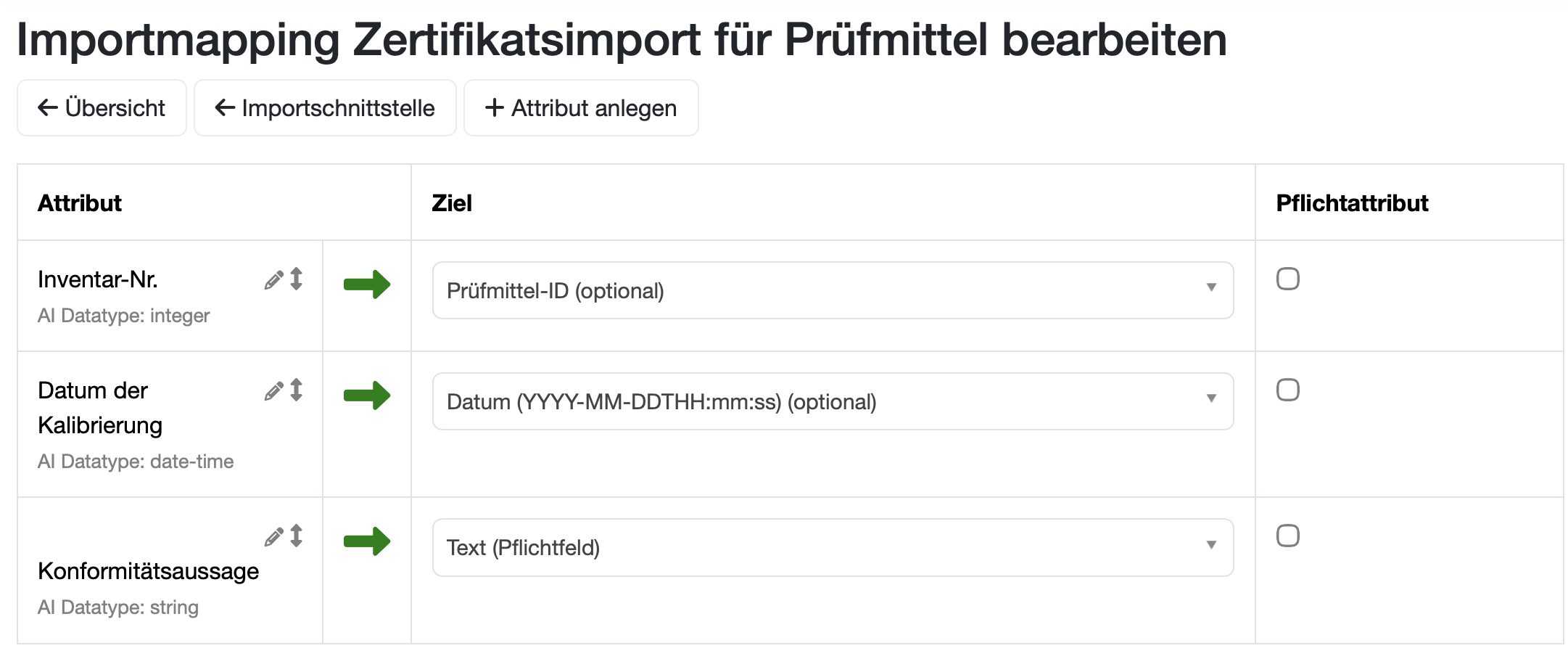
In addition to the inventory number, the import mapping also includes the calibration date and the conformity statement.
Mapped fields:
Inventory number - for identification of the test equipment
Calibration date - date of calibration performed
Conformity statement - result of the calibration
The AI automatically extracts this information from the uploaded PDF document.
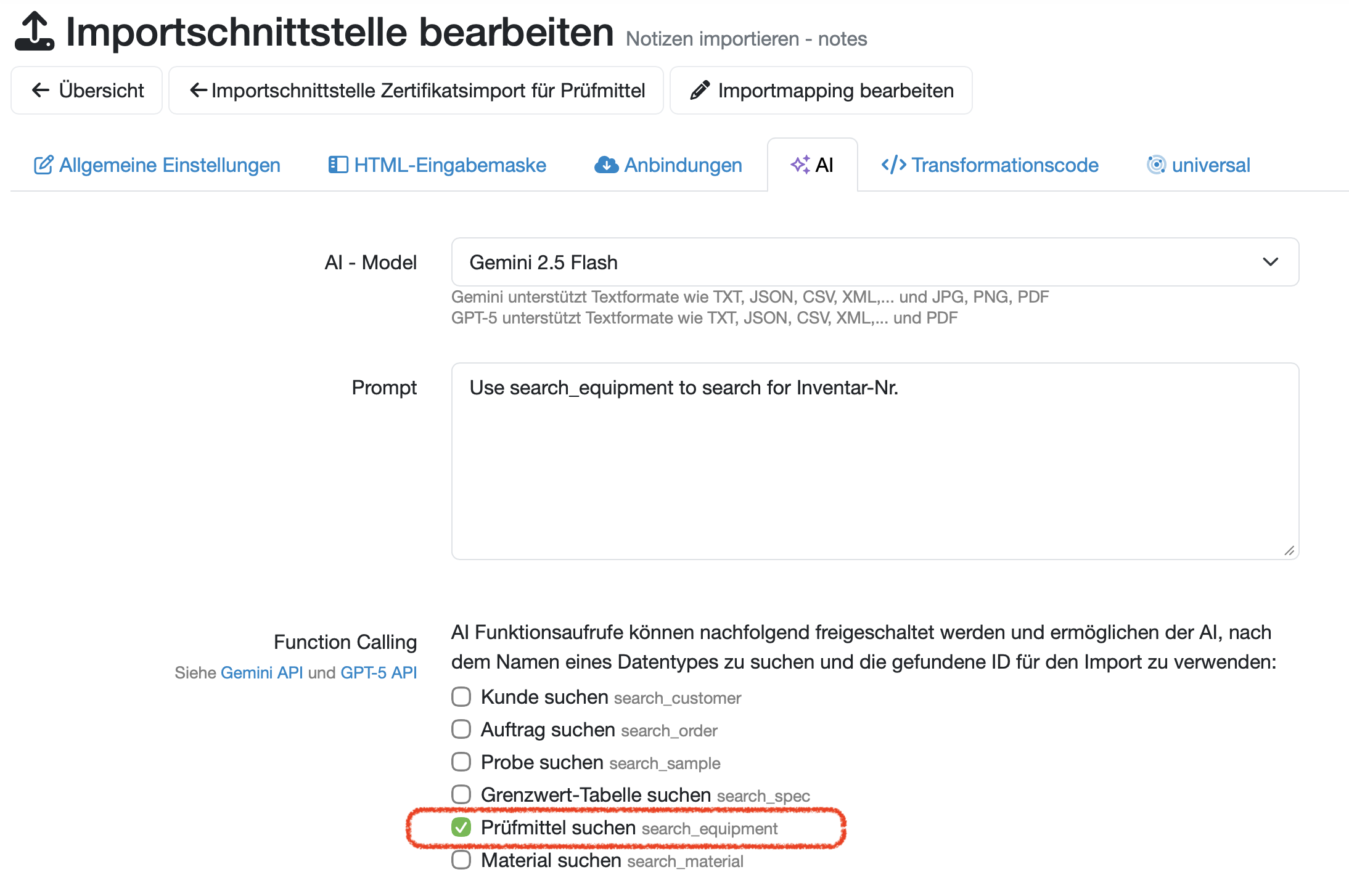
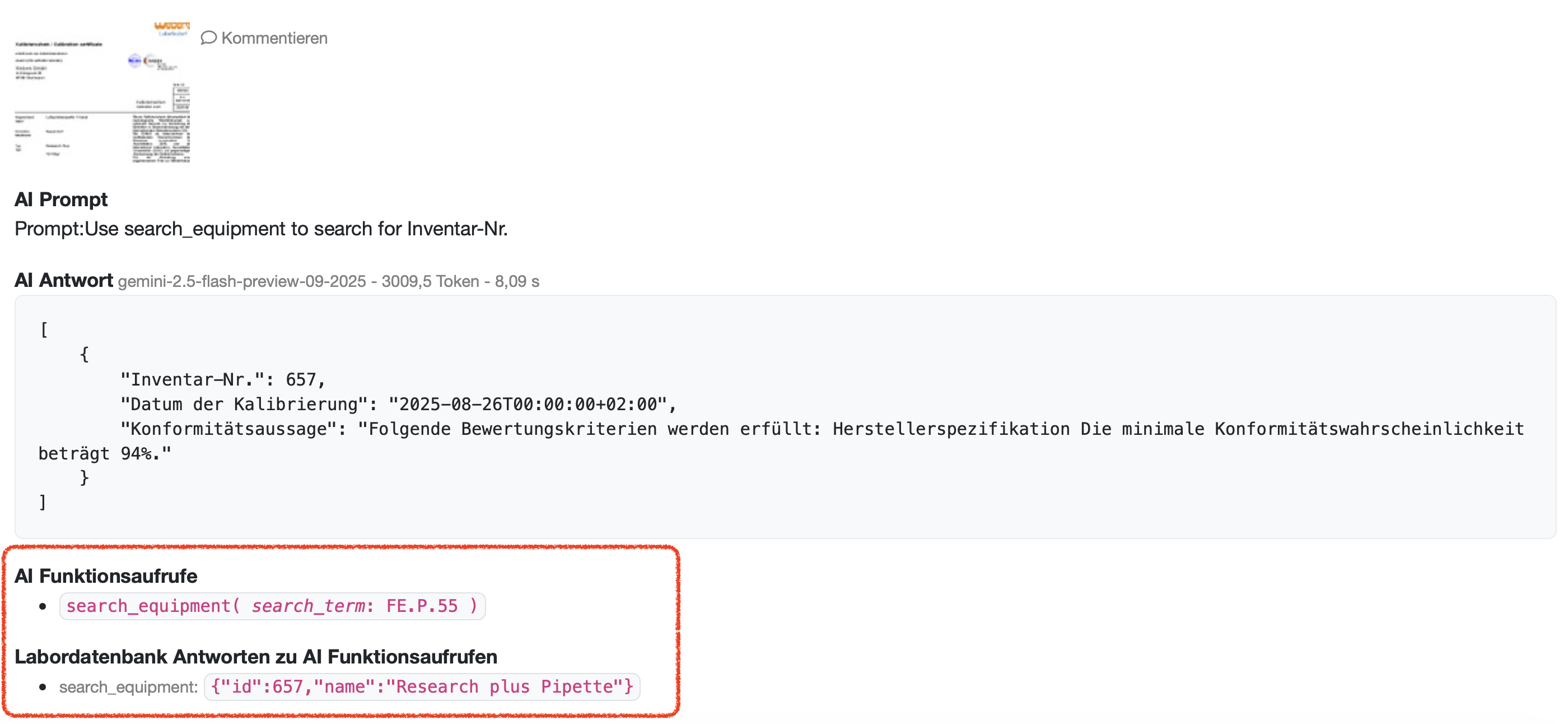
The AI settings specify that the AI can search for the test equipment. (The checkbox Search for test equipment - search_equipment is checked.)
This setting enables the AI to automatically find the corresponding test equipment in the database based on the extracted inventory number.
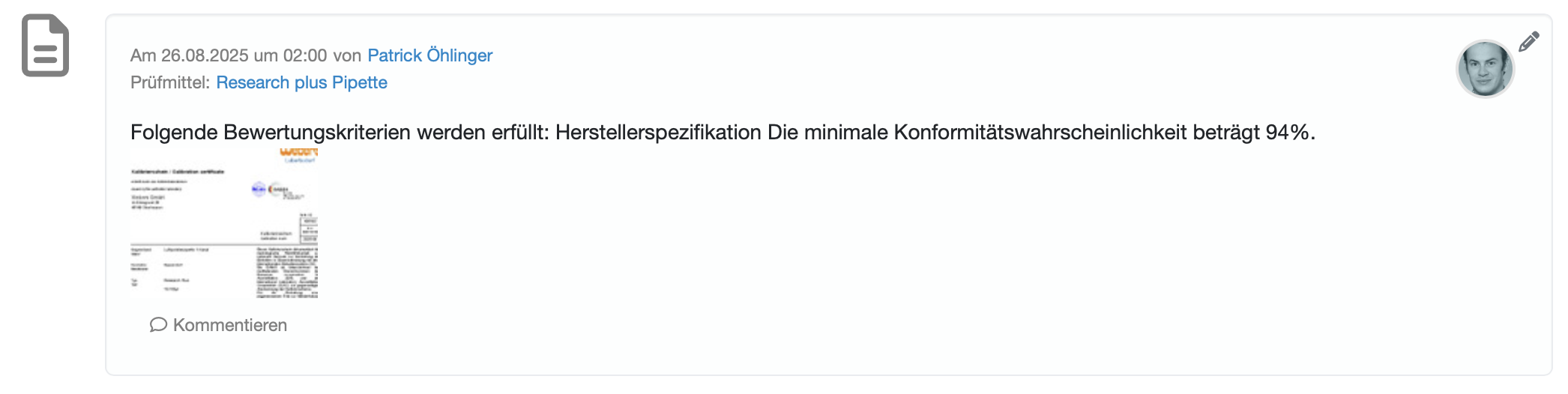
The test import has stored the calibration certificate for the relevant test equipment with the date of calibration.
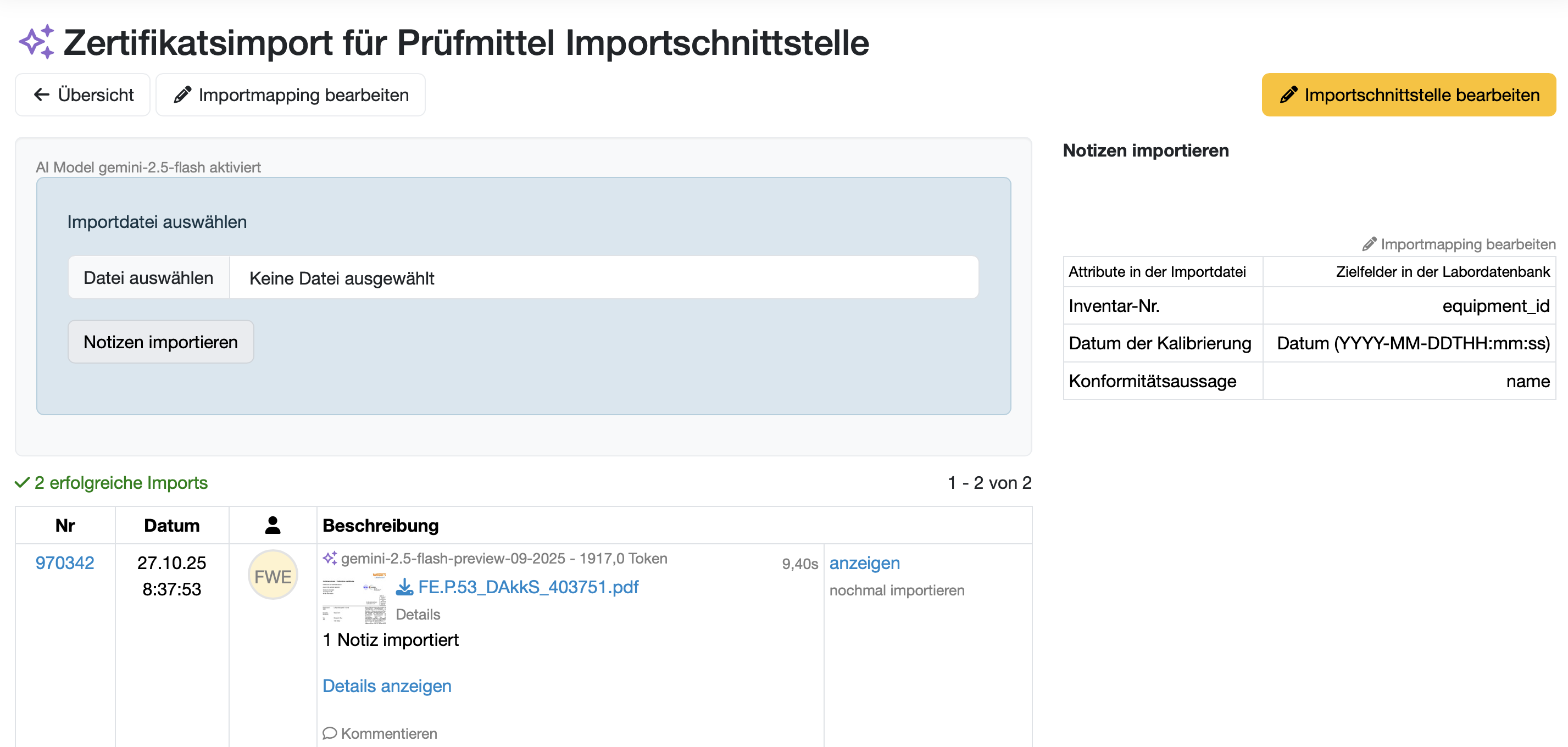
In the import overview, you can see the details of the performed AI function call and the LDB response.
Related topics:
Enable/disable AI integration
AI Extension for Import Interfaces
LDB AI Explorer
AI-Guardrails: AI im LDB LIMS sichern & steuern
Usercall to AI-Modules
Last change: 10/14/26
General information
8D-report
Supplier evaluation
Material
Employees
Customers
Orders
Samples
PDF templates
Assets
Recipes
Reports
Report table editor
Interfaces
AI functions
Introductory phase
Query reports
Templates
Client zone (optional)
Offers
Invoices
Parameters
Calculating with parameters
Webservices
Transformationscode
Test plans / limit values / specifications
Documents control
Questions and answers
Equipment
Trainings
Others
File management
Processes
