Follow this path to open the station overview:
Navigation bar → Samples → Stations
Booking samples in and out is done in the detail view of a station.
Open it by clicking the blue-highlighted station name in the station overview. Depending on the station's configuration, different methods are available.
By default, the samples booked into a station are kept as a chronological list.

Figure: Booking samples into a station kept as a list
In grid stations (rows × columns), samples are assigned to fixed positions. Samples already booked in are pre-filled in the position fields. You can overwrite a position to change the sample, or clear the field to remove the assignment to that position.
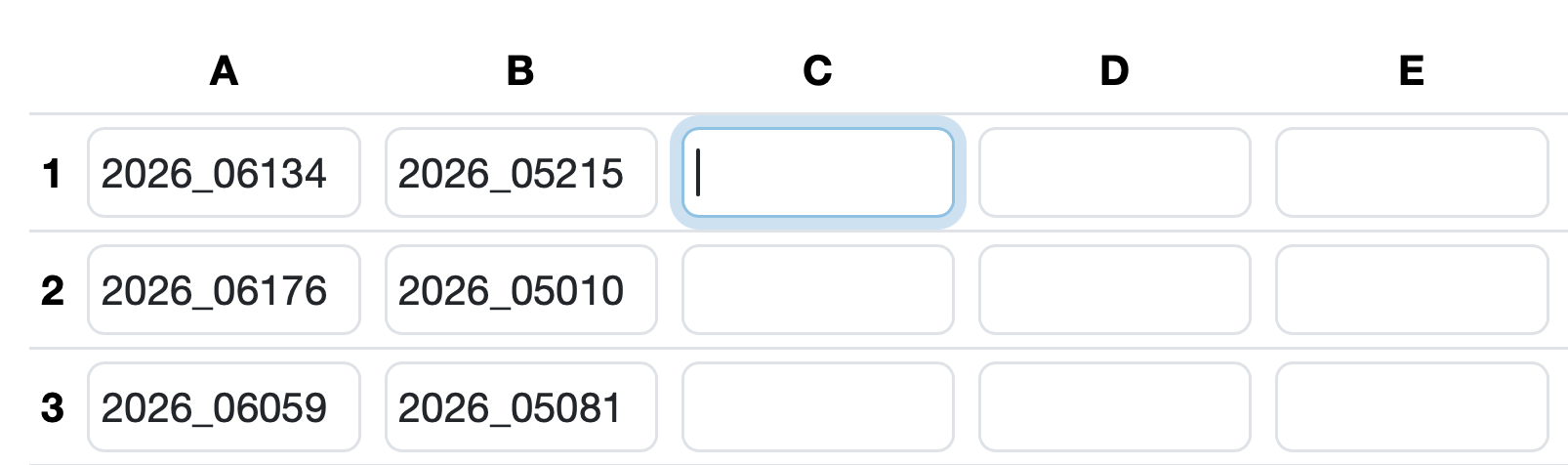
Figure: Booking samples into defined positions of a 9×9 grid
The Storage station and Grid features are configuration-dependent extensions. Contact your customer support if you would like to use these features.
Below the scan field, all of the station's bookings are displayed with date, time, user and a link to the sample (including the associated order).
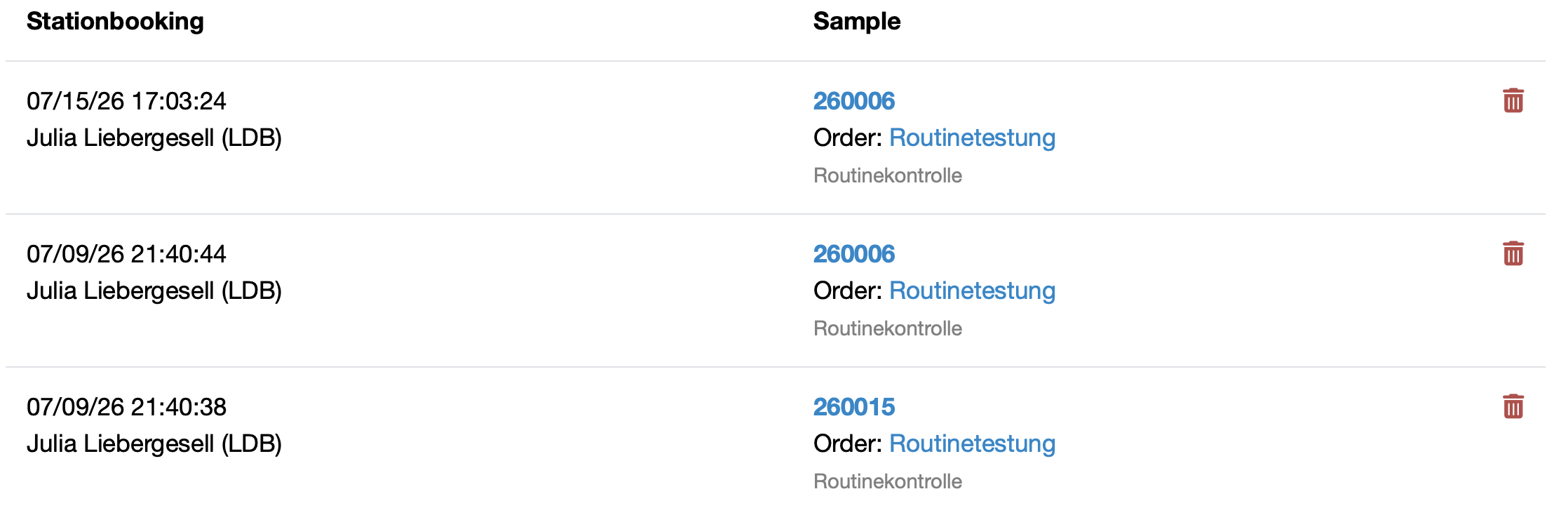
Figure: Overview of Stationbookings
If the station is not a storage station, a sample is automatically removed from other (non-storage) stations when it is booked in, so that the current storage location is always reflected. With a storage station, the sample additionally remains stored in the previous stations. Storage stations can optionally be used for stations kept as a list.

Figure: Trash icon for deleting a single booking
Laatste wijziging: 21.08.2026
Algemeen
Leveranciersbeoordeling
Materiaal
Medewerkers
Klanten
Opdrachten
Monsters
PDF-sjablonen
Bijlagen
Recepten
Verslagen
Editor voor rapporttabellen
Interfaces
Kompetenzen
AI-functies
Inleidende fase
Analyses
Sjablonen
Klantenportaal (optioneel)
Aanbiedingen
Facturen
Parameters
Rekenwerk met parameters
Webservices
Transformatiecode
Controleplannen / Grenswaarden / Specificaties
Documentbeheer
Vragen en antwoorden
Testmiddelen
Opleidingen voor medewerkers
8D-rapport
Overige
Bestandsbeheer
Processen
