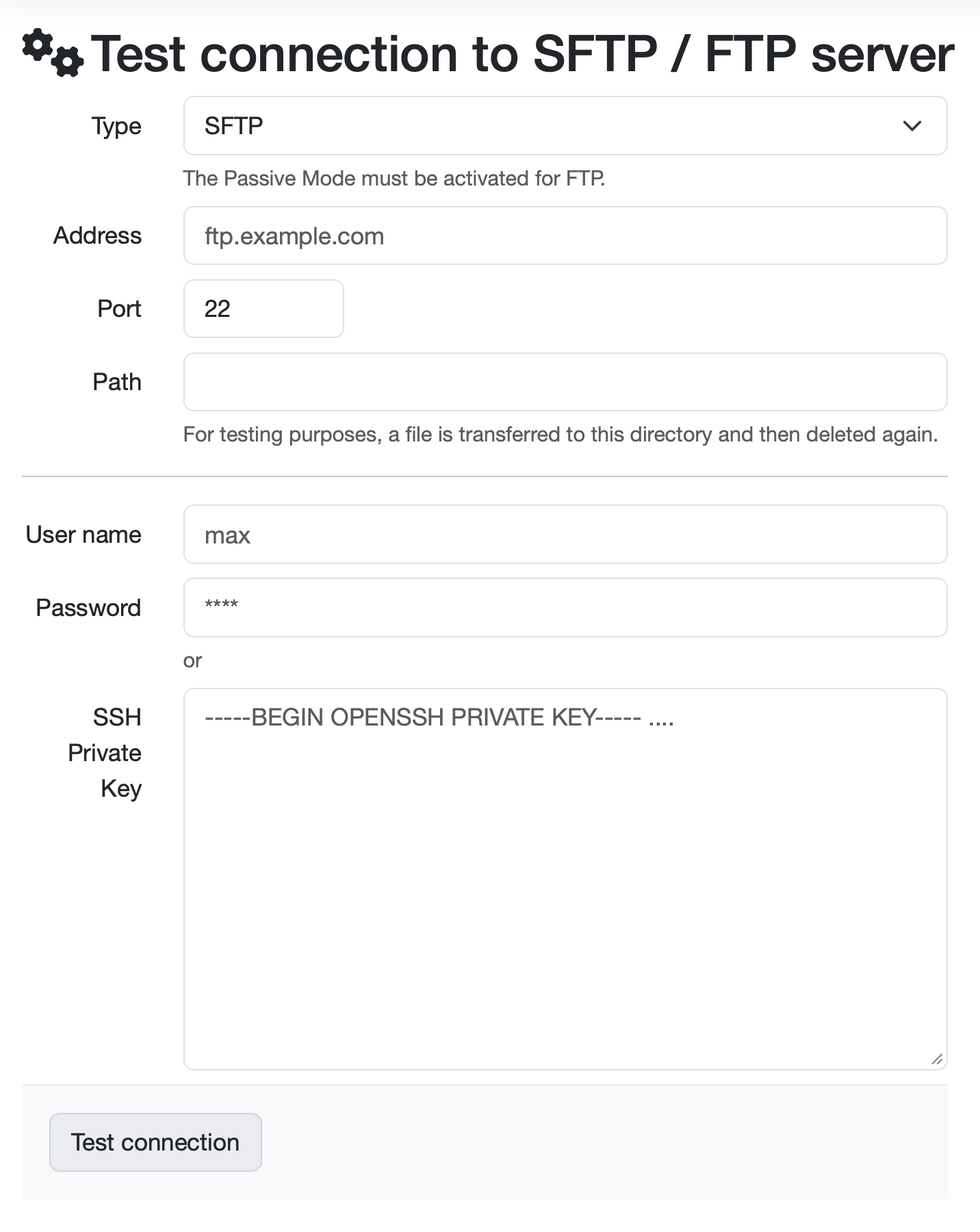
The form is divided into several input areas:
Type: A drop-down menu for selecting between SFTP and FTP. SFTP is selected by default. Passive mode must be enabled to use FTP servers.
Address: The input field for the server address of the SFTP/FTP server. In the example, “ftp.example.com” is entered. Both domain names and IP addresses can be used here.
Port: The input field for the port number. The default value “22” is set correctly for SFTP (FTP would normally use port 21). This port can be adjusted depending on the server configuration.
Path: The input field for the target directory on the server. This field defines the directory in which the files for import are to be searched for. To check the functionality, a file is transferred to this directory for testing purposes and then deleted again.
Username: The field for the username to log in to the server. In the example, “max” is entered.
Password: For security reasons, the password field is masked and only displays asterisks (****), even if the password has been entered.
SSH Private Key: A text field for entering an OpenSSH private key. The private key is used instead of the password for key-based authentication.
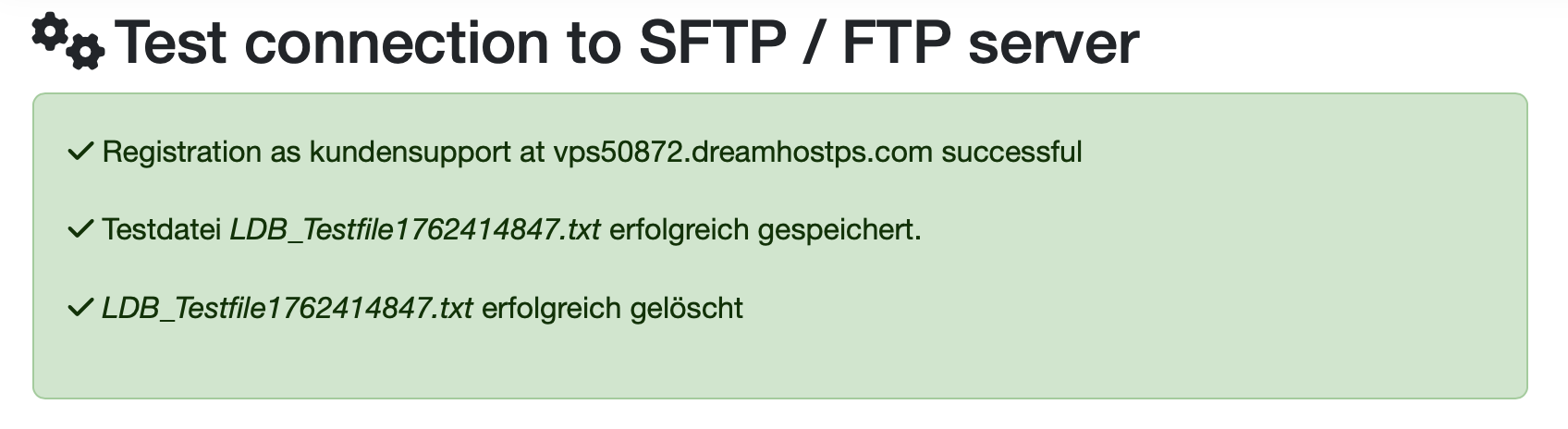
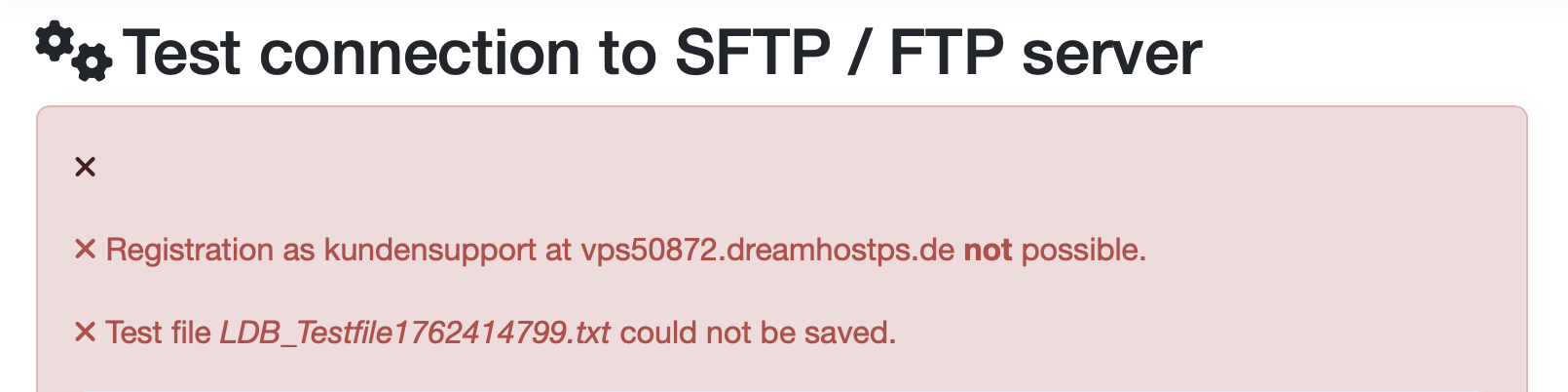
The connection test serves to:
Laatste wijziging: 21.08.2026
Algemeen
Leveranciersbeoordeling
Materiaal
Medewerkers
Klanten
Opdrachten
Monsters
PDF-sjablonen
Bijlagen
Recepten
Verslagen
Editor voor rapporttabellen
Interfaces
Kompetenzen
AI-functies
Inleidende fase
Analyses
Sjablonen
Klantenportaal (optioneel)
Aanbiedingen
Facturen
Parameters
Rekenwerk met parameters
Webservices
Transformatiecode
Controleplannen / Grenswaarden / Specificaties
Documentbeheer
Vragen en antwoorden
Testmiddelen
Opleidingen voor medewerkers
8D-rapport
Overige
Bestandsbeheer
Processen
