The Audit Trail can be found under: Navigation Bar Settings Audit Trail (Access rights required)
To ensure that all activities in the LDB can be precisely tracked, all actions are logged in the Audit Trail with user and timestamp. This provides you with numerous filtering and search options to quickly and efficiently find the desired information.
Filter Options
You can apply one or more filters simultaneously to further narrow down your search. From sent reports to login activities to changed values, below are examples and information about each filter.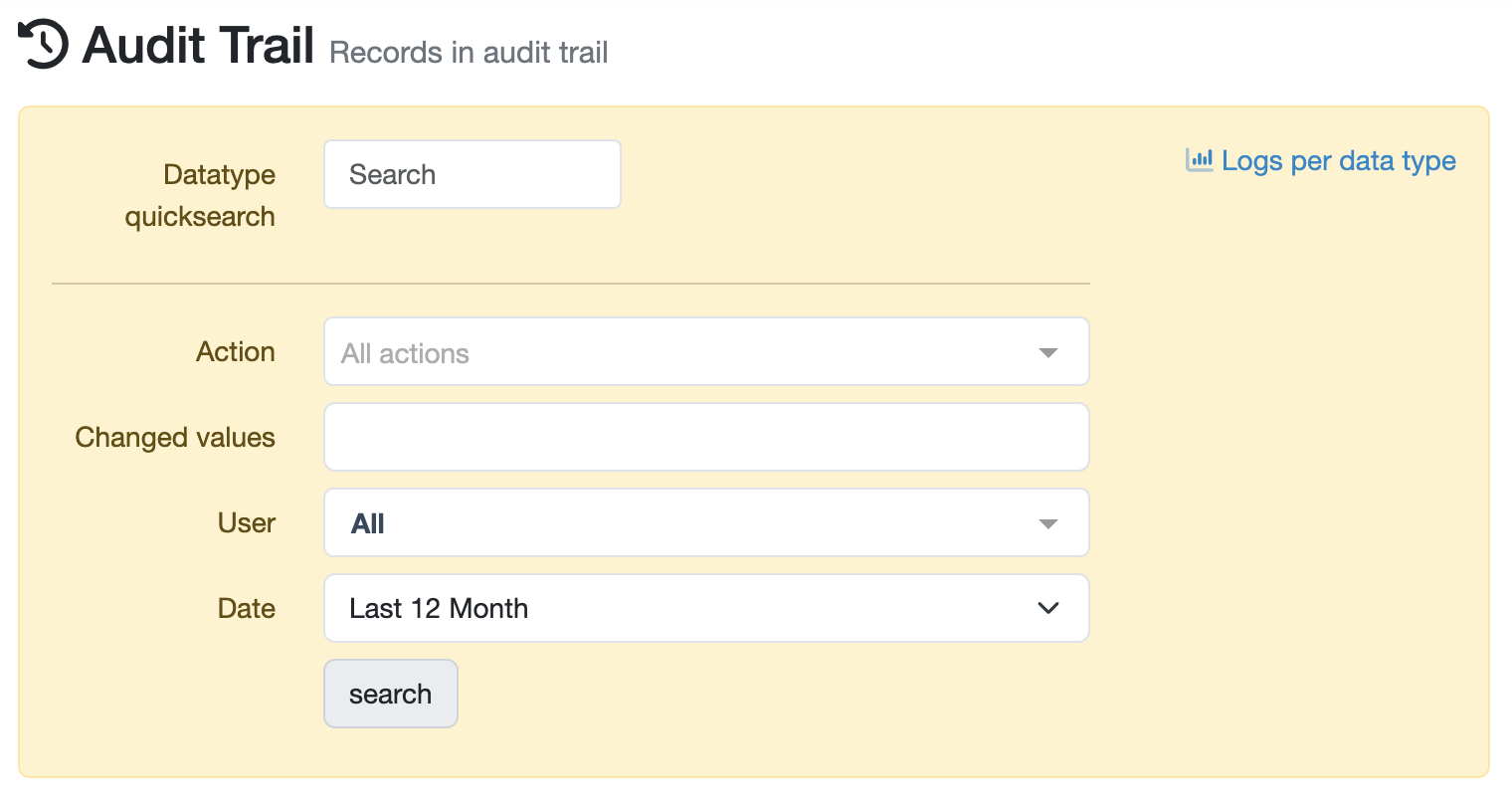
Data Type Quick Search
In the Data Type Quick Search, you can directly search for a specific data type such as a particular sample by entering the sample number. Clicking on the question mark symbol will display the available options and data types.
Action
Select the desired action from the dropdown list to display only activities of that type (data type). Alternatively, you can also manually enter the action and then click.
Changed Values
Enter the specific value in the corresponding search field. The search automatically considers all possible combinations of entered values.
Employee
Select the User either from the dropdown list or directly enter the name to display only the activities of that employee.
Time Period
Click on the field to select the desired time period. Alternatively, you can also click on the start and end dates on the calendar to set your own time frame.
Laatste wijziging: 21.08.2026
Algemeen
Leveranciersbeoordeling
Materiaal
Medewerkers
Klanten
Opdrachten
Monsters
PDF-sjablonen
Bijlagen
Recepten
Verslagen
Editor voor rapporttabellen
Interfaces
Kompetenzen
AI-functies
Inleidende fase
Analyses
Sjablonen
Klantenportaal (optioneel)
Aanbiedingen
Facturen
Parameters
Rekenwerk met parameters
Webservices
Transformatiecode
Controleplannen / Grenswaarden / Specificaties
Documentbeheer
Vragen en antwoorden
Testmiddelen
Opleidingen voor medewerkers
8D-rapport
Overige
Bestandsbeheer
Processen
