You can find the Hours / Day view under:
Navigation bar → Clock icon (in the right section) → Show hour overview → Hours / Day
The Hours / Day view shows the hour overview per working day. All recorded working days of an employee are listed in a chronological daily overview. It allows you to:
The header of the page shows for which employee the view is open (e.g. Hours per Day from Julia).
The Hours / Day are displayed as a table consisting of two columns:
| Column | Description |
|---|---|
| Date | Shows the weekday and the date of the respective day. |
| Hours | Shows the total recorded working hours for that day. |
The days are listed in reverse chronological order (most recent first).
Days without time tracking entries (e.g. weekends, public holidays, vacation, or forgotten entries) are displayed without an hour value.
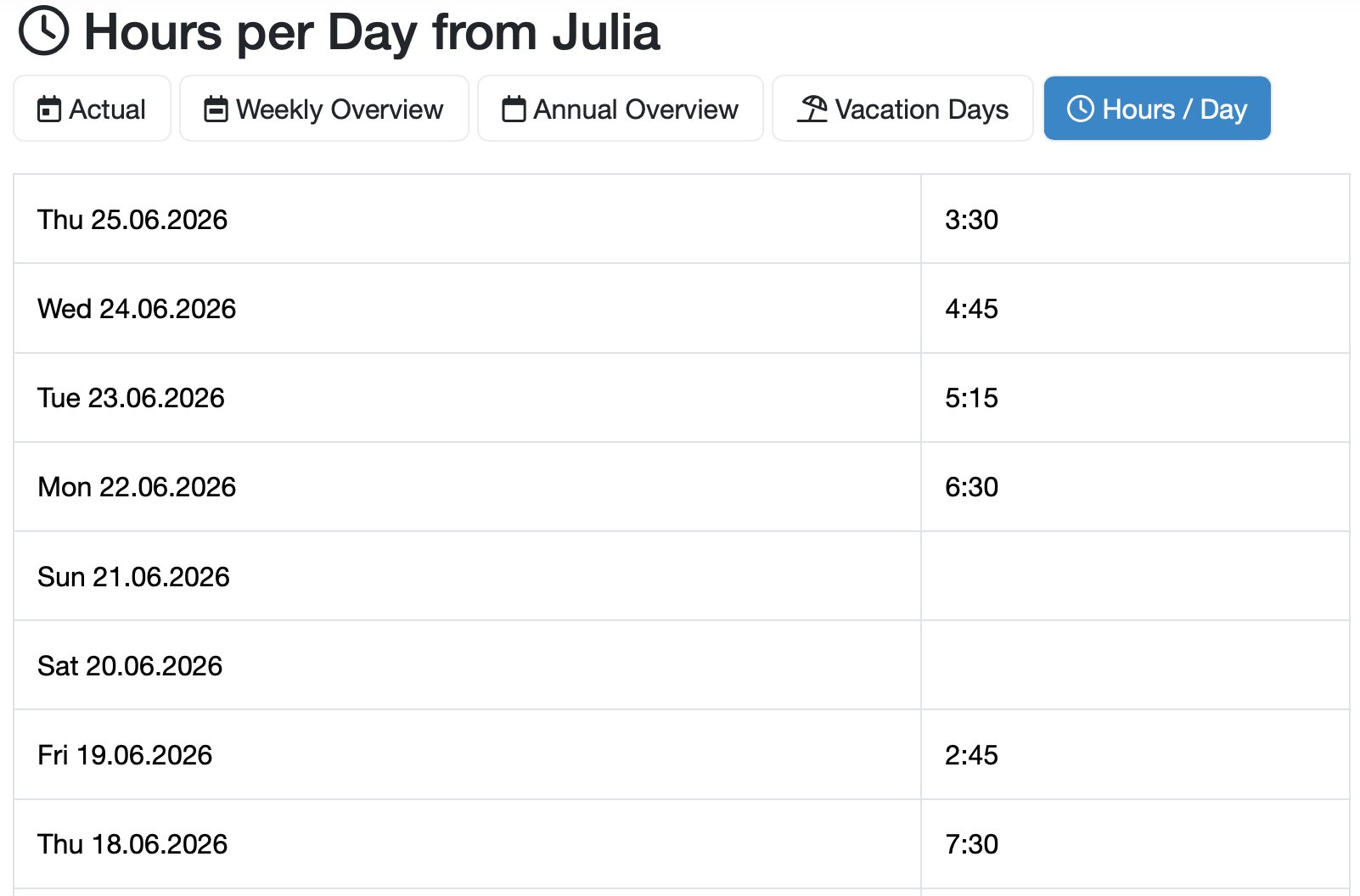
Figure: Hours per Day overview
Laatste wijziging: 21.08.2026
Algemeen
Leveranciersbeoordeling
Materiaal
Medewerkers
Klanten
Opdrachten
Monsters
PDF-sjablonen
Bijlagen
Recepten
Verslagen
Editor voor rapporttabellen
Interfaces
Kompetenzen
AI-functies
Inleidende fase
Analyses
Sjablonen
Klantenportaal (optioneel)
Aanbiedingen
Facturen
Parameters
Rekenwerk met parameters
Webservices
Transformatiecode
Controleplannen / Grenswaarden / Specificaties
Documentbeheer
Vragen en antwoorden
Testmiddelen
Opleidingen voor medewerkers
8D-rapport
Overige
Bestandsbeheer
Processen
