There are many places where you can upload files to the LDB:
Here we describe how you can insert files into notes:
Click on the paper icon in the left-hand section of the navigation bar.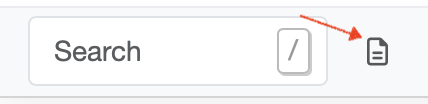
Files can now be dragged and dropped into the blue field.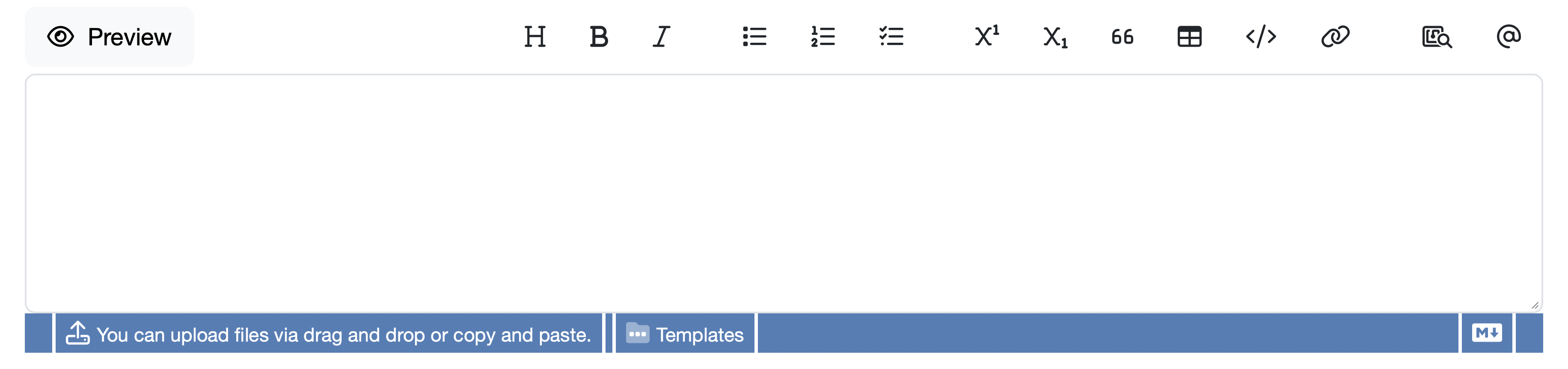
After a file has been dragged in, you may have to wait a short while for the upload to complete, depending on the file size.
You can then add further text or file content to the note.
Finally, all you have to do is save the note.
The file can now be accessed via the blue link (file name).
Please note the following:
Laatste wijziging: 21.08.2026
Algemeen
Leveranciersbeoordeling
Materiaal
Medewerkers
Klanten
Opdrachten
Monsters
PDF-sjablonen
Bijlagen
Recepten
Verslagen
Editor voor rapporttabellen
Interfaces
Kompetenzen
AI-functies
Inleidende fase
Analyses
Sjablonen
Klantenportaal (optioneel)
Aanbiedingen
Facturen
Parameters
Rekenwerk met parameters
Webservices
Transformatiecode
Controleplannen / Grenswaarden / Specificaties
Documentbeheer
Vragen en antwoorden
Testmiddelen
Opleidingen voor medewerkers
8D-rapport
Overige
Bestandsbeheer
Processen
