In some cases, each parameter of a sample must be evaluated individually and an individual assessment is desired for each. The limit values/specifications/test plans can be used for this purpose.
For this purpose, a limit value/specification/test plan is first created accordingly (Create test plan / limit value table / specification) and the target values are set for the respective parameters (Add specification limits / reference ranges).
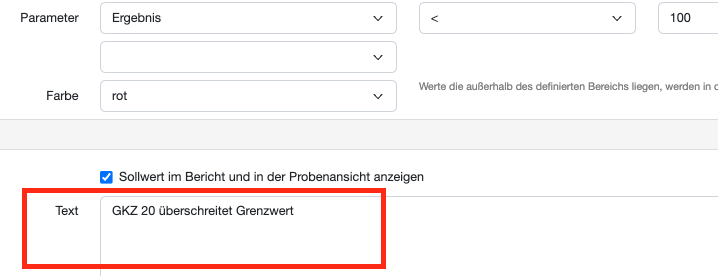
Within the target value, you can set a text module, which is suggested to you when the report is created. This text module appears if the value is outside of the defined range.
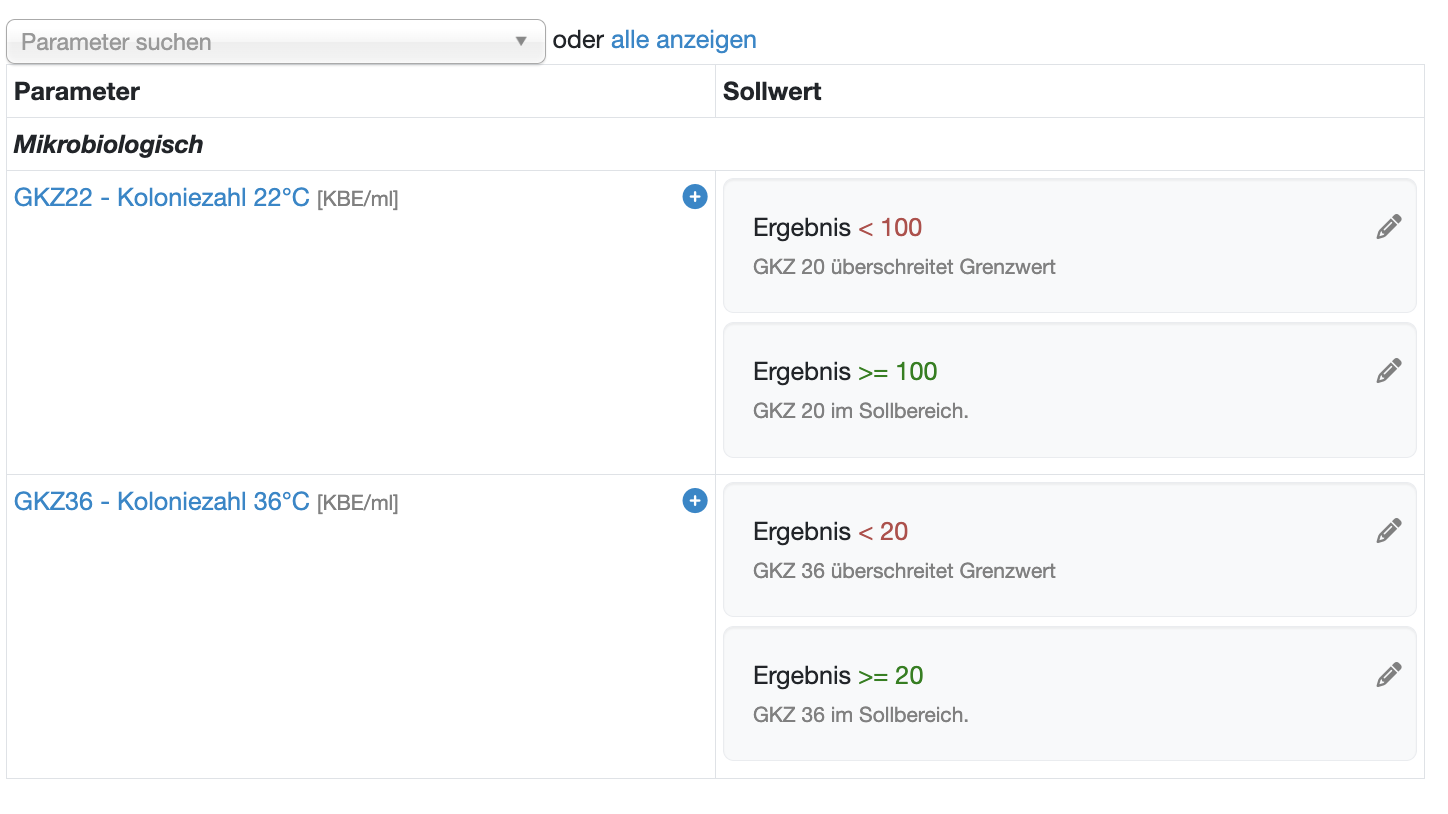
Within your limit values/specifications/test plans, you have an overview of the stored values and text modules:
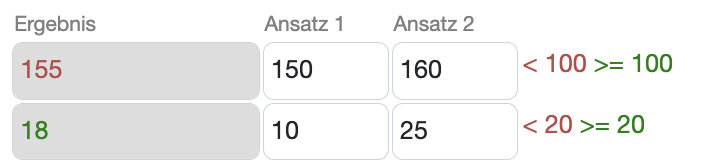
When the results are entered, the results are marked in color according to the set limit values:
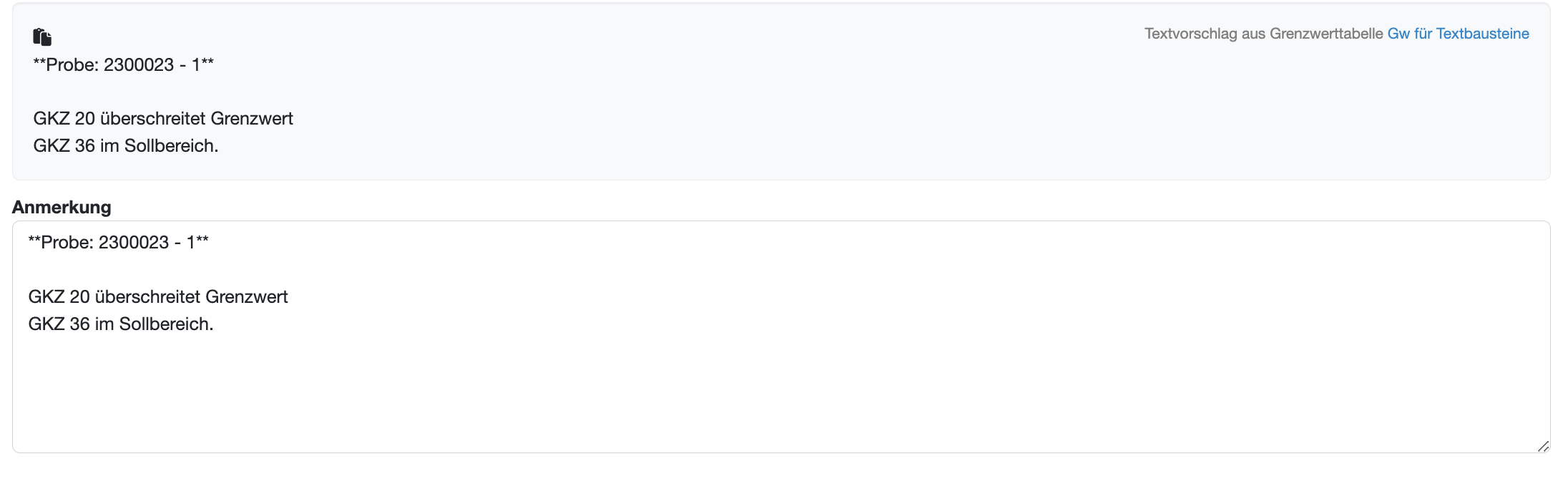
If you create a report, the text modules are suggested according to the results. You are able to change them.
Laatste wijziging: 21.08.2026
Algemeen
Leveranciersbeoordeling
Materiaal
Medewerkers
Klanten
Opdrachten
Monsters
PDF-sjablonen
Bijlagen
Recepten
Verslagen
Editor voor rapporttabellen
Interfaces
Kompetenzen
AI-functies
Inleidende fase
Analyses
Sjablonen
Klantenportaal (optioneel)
Aanbiedingen
Facturen
Parameters
Rekenwerk met parameters
Webservices
Transformatiecode
Controleplannen / Grenswaarden / Specificaties
Documentbeheer
Vragen en antwoorden
Testmiddelen
Opleidingen voor medewerkers
8D-rapport
Overige
Bestandsbeheer
Processen
