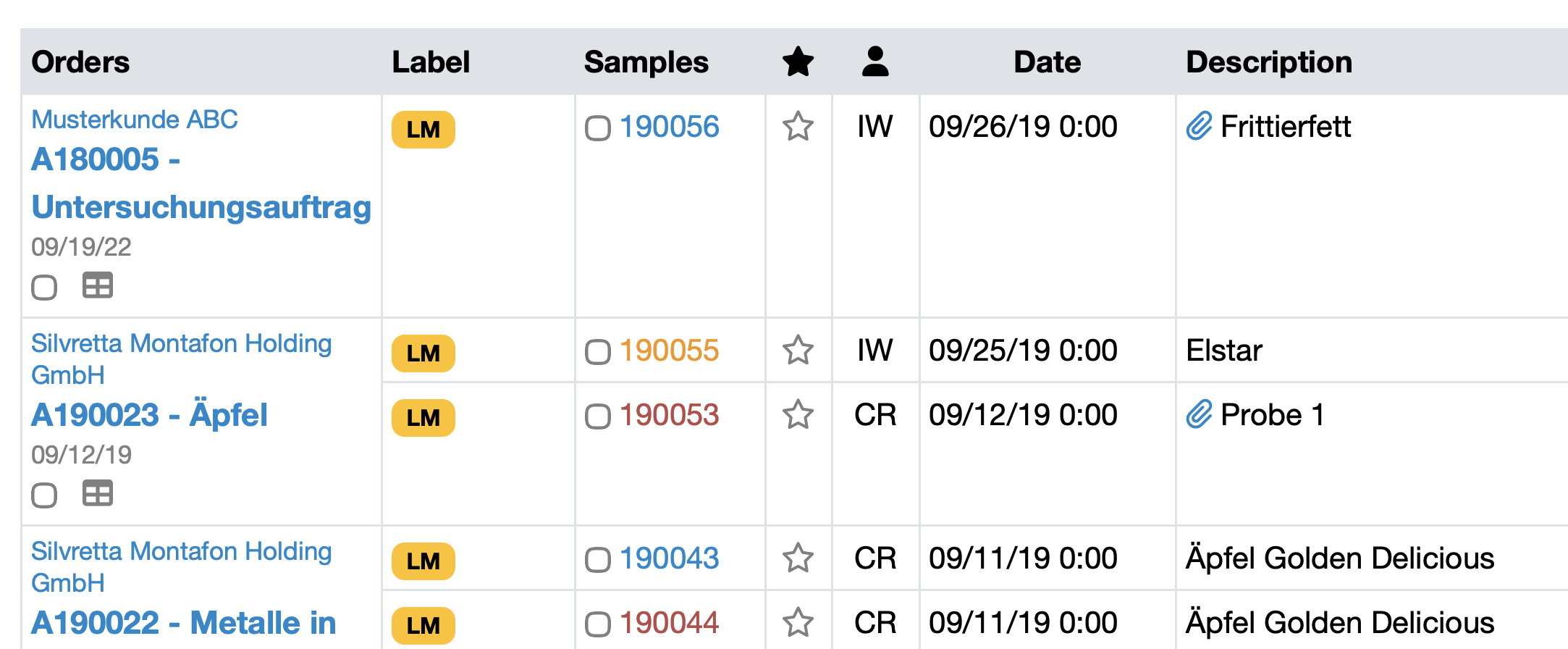
The numbers of samples with target value deviations can be highlighted in color (red or orange). This allows you to identify deviations at a glance—without having to check all values individually.
Note: Contact your customer service representative to activate color coding for target value deviations in your LDB.
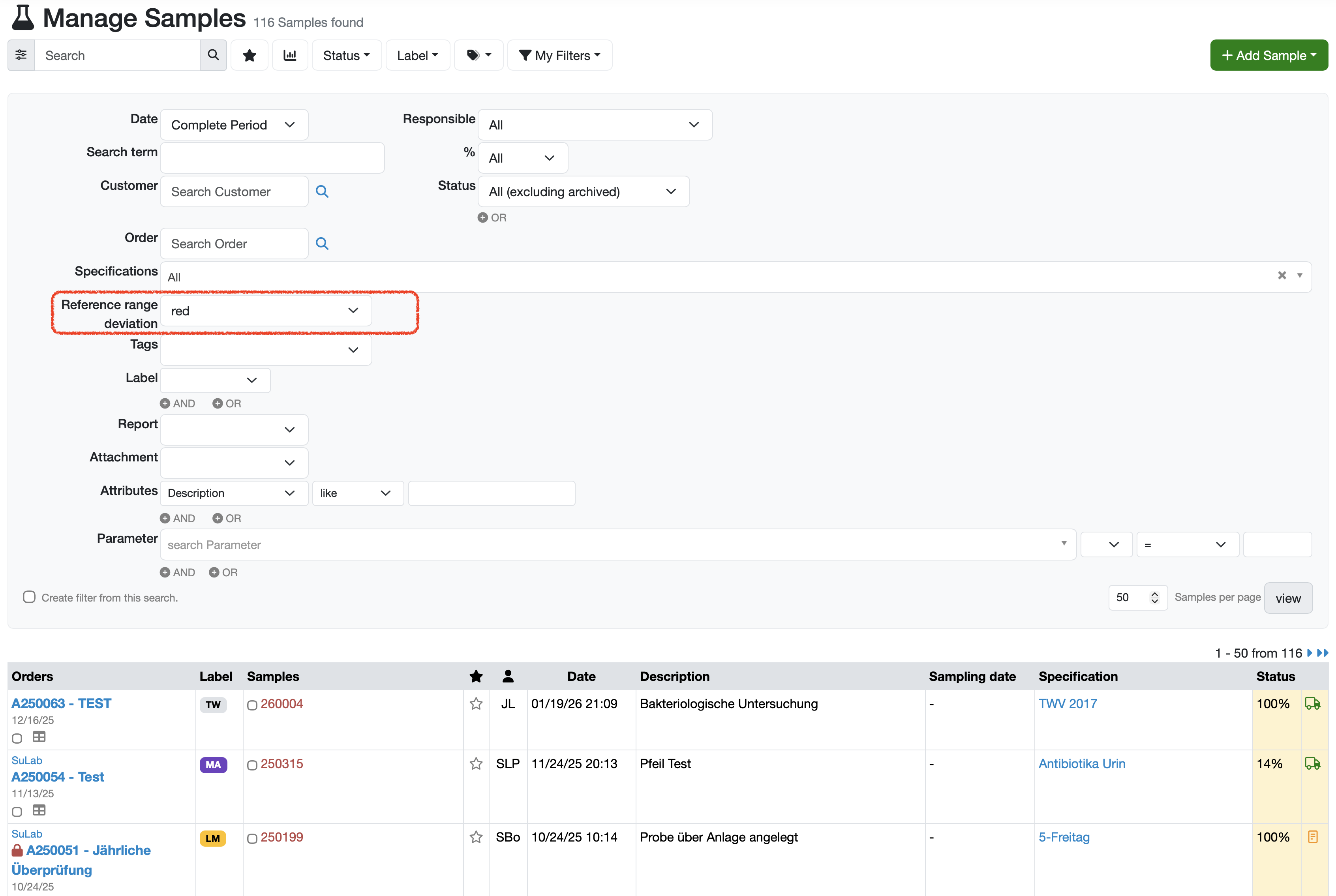
With the Reference range deviation filter, you can search specifically for samples that deviate from the defined reference ranges.
Here's how:
Laatste wijziging: 21.08.2026
Algemeen
Leveranciersbeoordeling
Materiaal
Medewerkers
Klanten
Opdrachten
Monsters
PDF-sjablonen
Bijlagen
Recepten
Verslagen
Editor voor rapporttabellen
Interfaces
Kompetenzen
AI-functies
Inleidende fase
Analyses
Sjablonen
Klantenportaal (optioneel)
Aanbiedingen
Facturen
Parameters
Rekenwerk met parameters
Webservices
Transformatiecode
Controleplannen / Grenswaarden / Specificaties
Documentbeheer
Vragen en antwoorden
Testmiddelen
Opleidingen voor medewerkers
8D-rapport
Overige
Bestandsbeheer
Processen
